Highlevel
HighLevel Number Formatter: Format Numbers in Workflows
May 24, 2023•2 related topics
HighLevel's Number Formatter is a premium workflow action that converts raw numbers into properly formatted output.
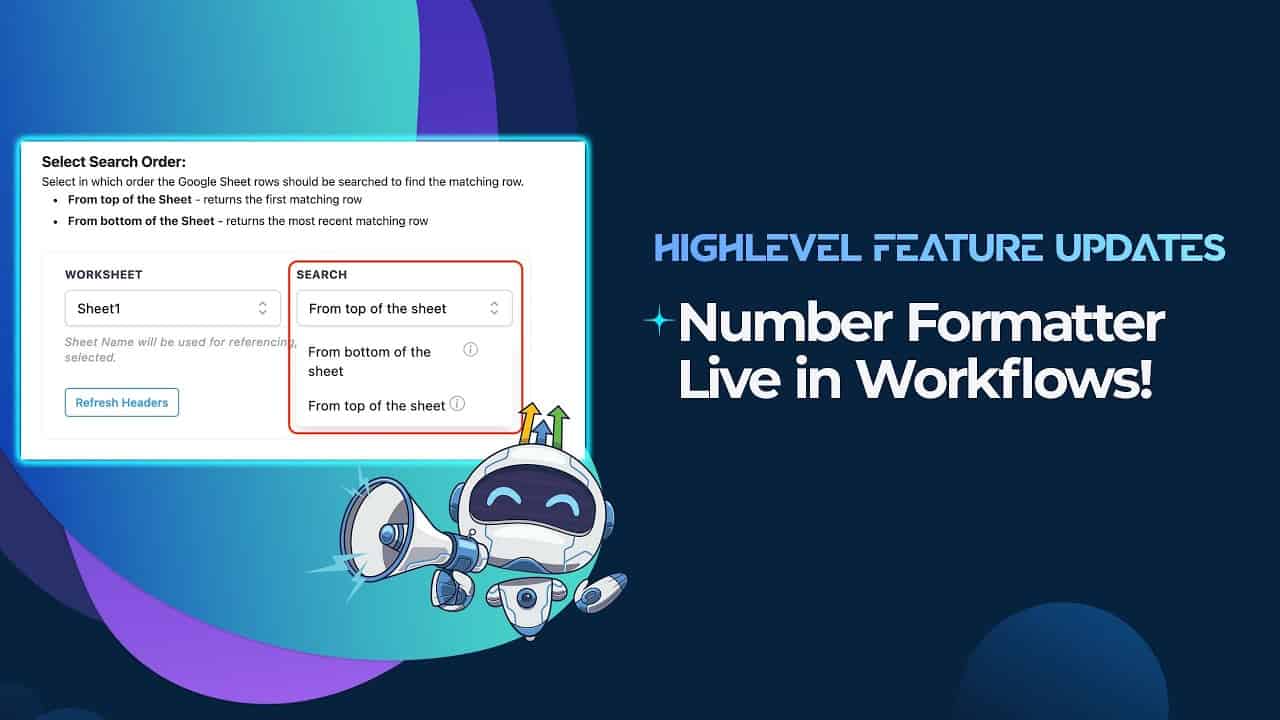
Click on the image above to watch the full video.
What the Number Formatter Does
This premium action lets you:
- Format currencies — Turn "1000" into "$1,000.00"
- Format phone numbers — Convert "5551234567" into "(555) 123-4567"
- Add decimal precision — Control how many decimal places to show
- Apply locale formatting — Use commas or periods based on region
How to Enable It
The Number Formatter is part of Premium Actions:
- Go to Agency Settings
- Navigate to Company → Settings
- Enable LC Premium Triggers and Actions
- Save
Common Use Cases
Invoice and Payment Amounts
When sending payment confirmations or invoices:
Our Toolbox. Every platform, plugin, and service we use and recommend, in one place. See the list →
- Raw:
2500 - Formatted:
$2,500.00
Phone Number Display
When sending contact info in emails:
- Raw:
15551234567 - Formatted:
+1 (555) 123-4567
Webhook Data Processing
When receiving raw numeric data from external systems, format it for:
- Display in emails and SMS
- Conditional workflow logic
- Custom field updates
International Formatting
Format numbers for different locales:
- US:
$1,234.56 - Europe:
€1.234,56 - UK:
£1,234.56
How to Use It in a Workflow
- Add a Number Formatter action
- Select the field containing your raw number
- Choose the output format (currency, phone, percentage, etc.)
- Assign the result to a custom field or use it directly
See Also
- HighLevel — The platform
- Premium Workflow Actions — All premium actions
This article blends original content, AI-assisted drafting, and human oversight. How I write.
Stay Updated
Get notified when new content is published.
No spam. Unsubscribe anytime.