HighLevel Agency Owner Role: Secure Your Account
HighLevel introduced the Agency Owner role to provide better security and clear ownership for agency accounts.
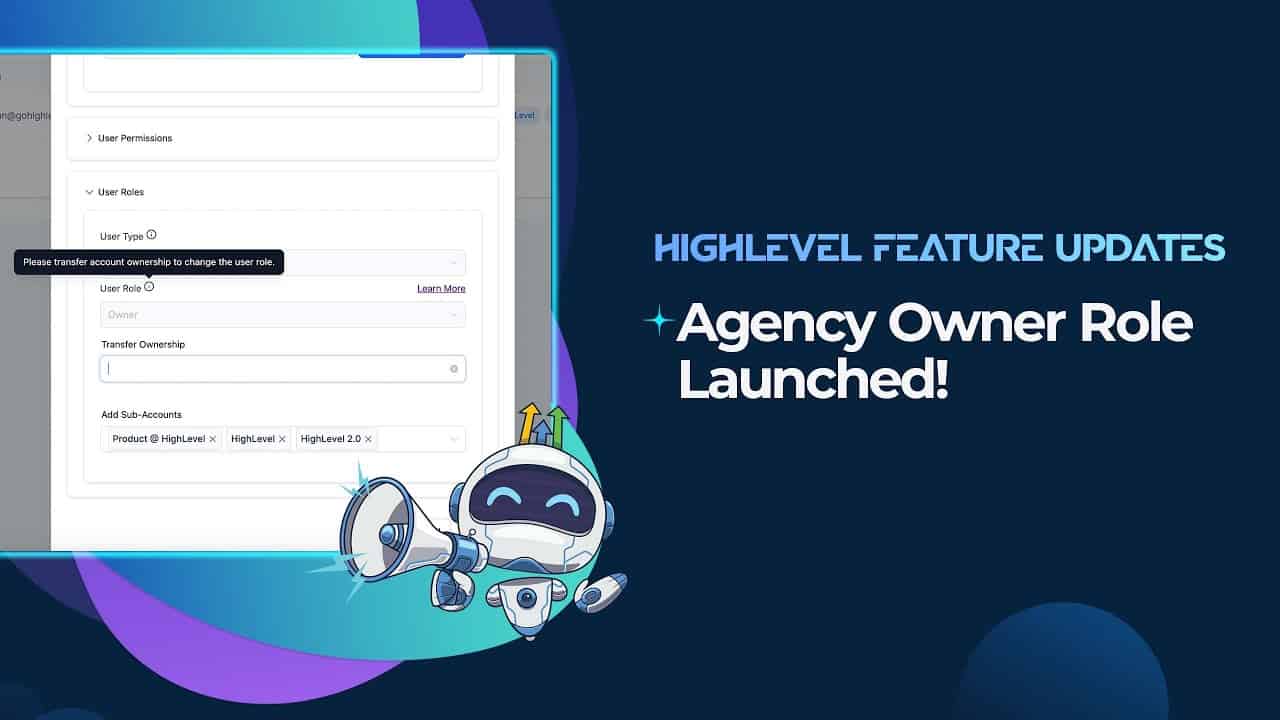
Click on the image above to watch the full video.
What Is the Agency Owner Role?
The Agency Owner is the primary account holder with special privileges that other admin users don't have.
Agency Owner Privileges
Only the Agency Owner can:
- Transfer ownership — Move the account to someone else
- Access billing — View and modify payment information
- See sensitive settings — Financial and account-level data
- Cannot be demoted — Must transfer ownership to step down
Why This Matters
Security
Financial information is now protected from other admin users who shouldn't have access.
Our Toolbox. Every platform, plugin, and service we use and recommend, in one place. See the list →
Clear Ownership
There's no ambiguity about who owns the account and can make critical decisions.
Key Communications
Important notifications (billing issues, account alerts) route to the Agency Owner.
Migration
All existing agencies were automatically migrated:
- The original account creator became the Agency Owner
- An email notification was sent to confirm
- No action required unless you need to transfer ownership
Transferring Ownership
If you need to change the Agency Owner:
- Log in as the current Agency Owner
- Go to Agency Settings → Team
- Find the Transfer Ownership option
- Select the new owner
- Confirm the transfer
See Also
- HighLevel — The platform
See Also
This article blends original content, AI-assisted drafting, and human oversight. How I write.
Stay Updated
Get notified when new content is published.
No spam. Unsubscribe anytime.