How to Add Links to YouTube Video Outro
Youtuber James Hurst recently unlocked the ability to add external links to his end cards in his videos, something he had been waiting for quite some time. After becoming a member of the YouTube Partner Program, James explained how to add the link in the video. He noted that he had to have 1000 subscribers and 4000 hours of watch time to unlock the feature. James went on to explain the process of adding the link to his video, which included accepting the terms and conditions, adding in the link, and creating a custom message. He also highlighted the importance of adding a UTM parameters to the link in order to track where the traffic is coming from. The new edition is an exciting milestone for the channel, and James hopes that everyone takes the opportunity to learn more about the benefits of having a YouTube channel. He encourages viewers to visit GHL Bounty Hunters and take advantage of their HighLevel Support Zoom calls. Watch The Full Video Here: https://www.youtube.com/watch?v=vf70KrtpgF0
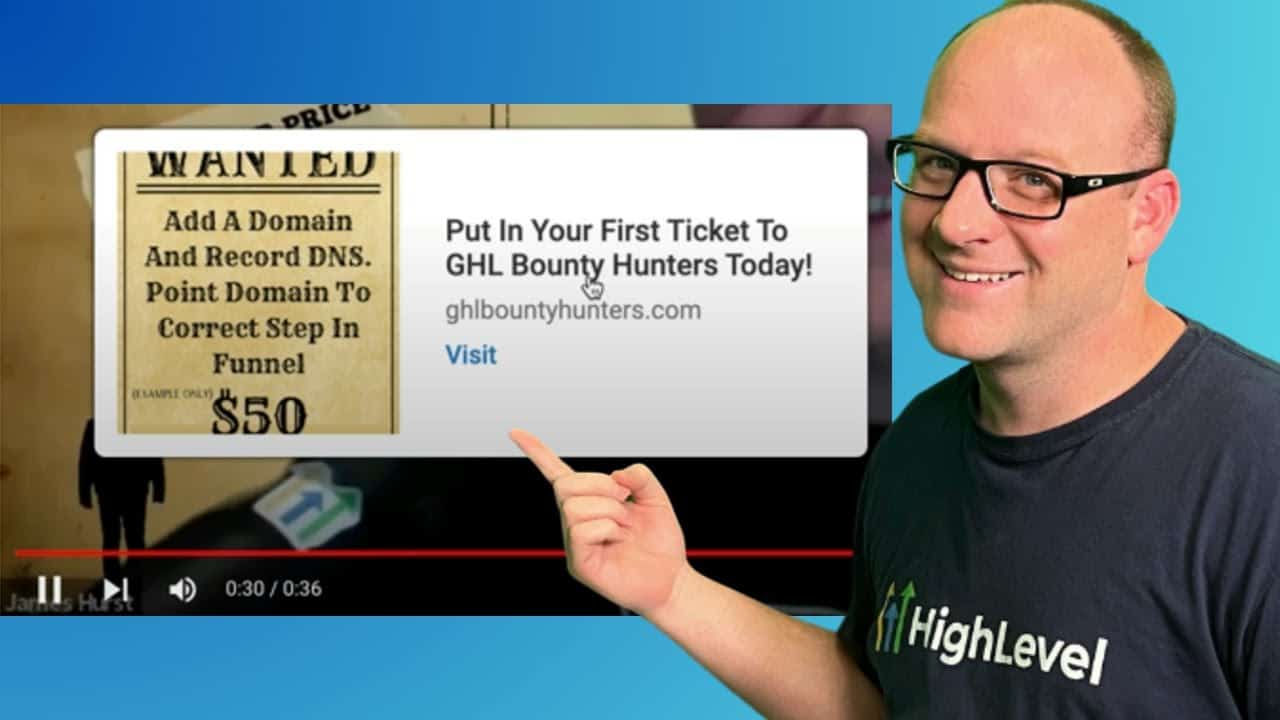
Click on the image above to watch the full video.
We are an independent affiliate of HighLevel and may earn a commission if you sign up through links on this page. We are not employees or representatives of HighLevel.
Some links in this article are affiliate links. If you purchase through them, we may earn a commission at no extra cost to you. This helps support our content.
This article blends original content, AI-assisted drafting, and human oversight. How I write.
Stay Updated
Get notified when new content is published.
No spam. Unsubscribe anytime.