HighLevel Workflow Trick: Run Actions Only Once Per Contact
Sometimes you want part of a HighLevel workflow to run only the first time a contact goes through it. Here's a simple trick using If/Else conditions.
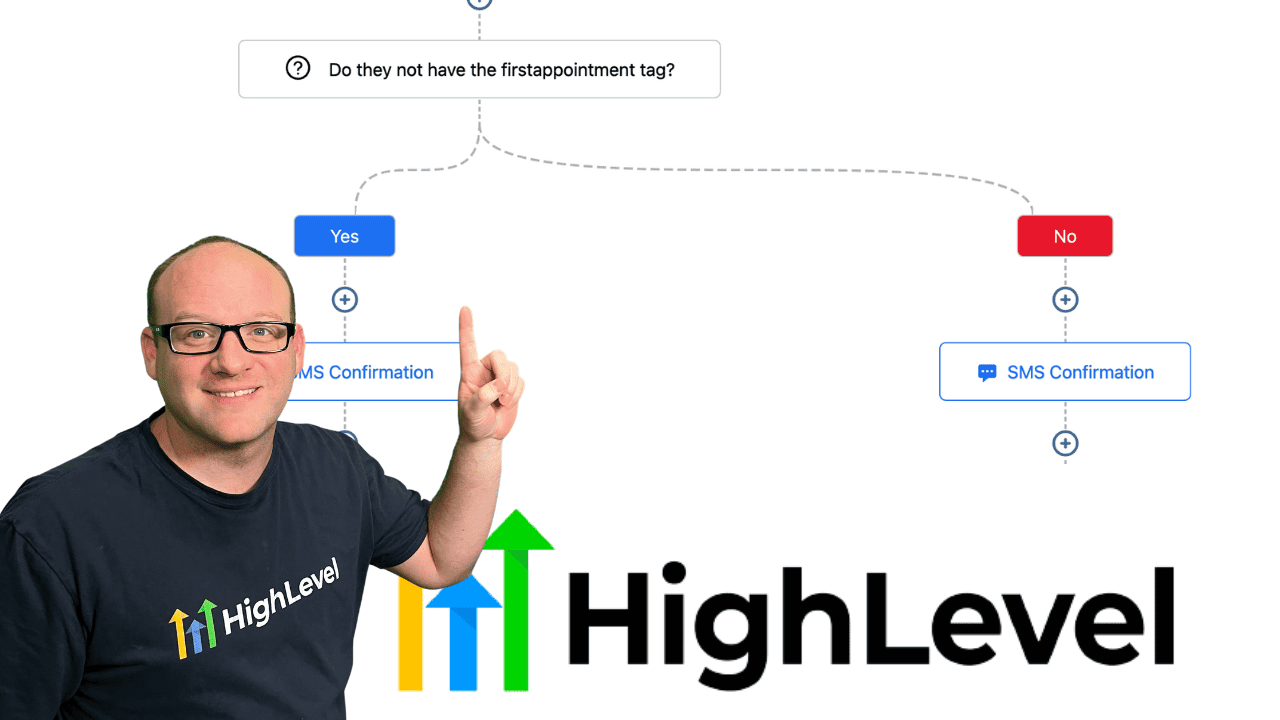
Click on the image above to watch the full video.
The Problem
You have a workflow that might trigger multiple times for the same contact (like appointment booking), but you only want to send a welcome message or vCard once.
The Solution: Tag-Based Gating
Use a tag to track whether someone has already received the "once only" content.
How to Set It Up
Step 1: Add an If/Else Condition
After your trigger, add an If/Else action.
Step 2: Set the Condition
Check if the contact does NOT have a specific tag:
Our Toolbox. Every platform, plugin, and service we use and recommend, in one place. See the list →
- Contact Tag does not contain
received-welcome
Step 3: Add Your "Once Only" Actions
In the "Yes" branch (tag doesn't exist):
- Send your welcome message or vCard
- Add the tag
received-welcome
Step 4: Continue the Workflow
The rest of your workflow continues in the "No" branch or after the If/Else.
Example: vCard on First Booking
Workflow Trigger: Appointment Booked
Actions:
- If/Else: Contact Tag does NOT contain
sent-vcard- Yes branch:
- Send SMS with vCard attachment
- Add Tag:
sent-vcard
- No branch: (Skip, they already have it)
- Yes branch:
- Continue with confirmation email, reminders, etc.
Why This Works
- First time through: No tag → send content → add tag
- Second time through: Tag exists → skip content
- Contact always gets the ongoing actions (confirmations, reminders)
Other Use Cases
- Welcome sequences
- First-purchase bonuses
- Onboarding materials
- One-time discounts
See Also
- HighLevel — The platform
See Also
This article blends original content, AI-assisted drafting, and human oversight. How I write.
Stay Updated
Get notified when new content is published.
No spam. Unsubscribe anytime.