HighLevel Conversation Filters: Sort by Message Direction and Type
HighLevel added two powerful filters to the Conversations screen, making it easier to find and prioritize the right conversations.
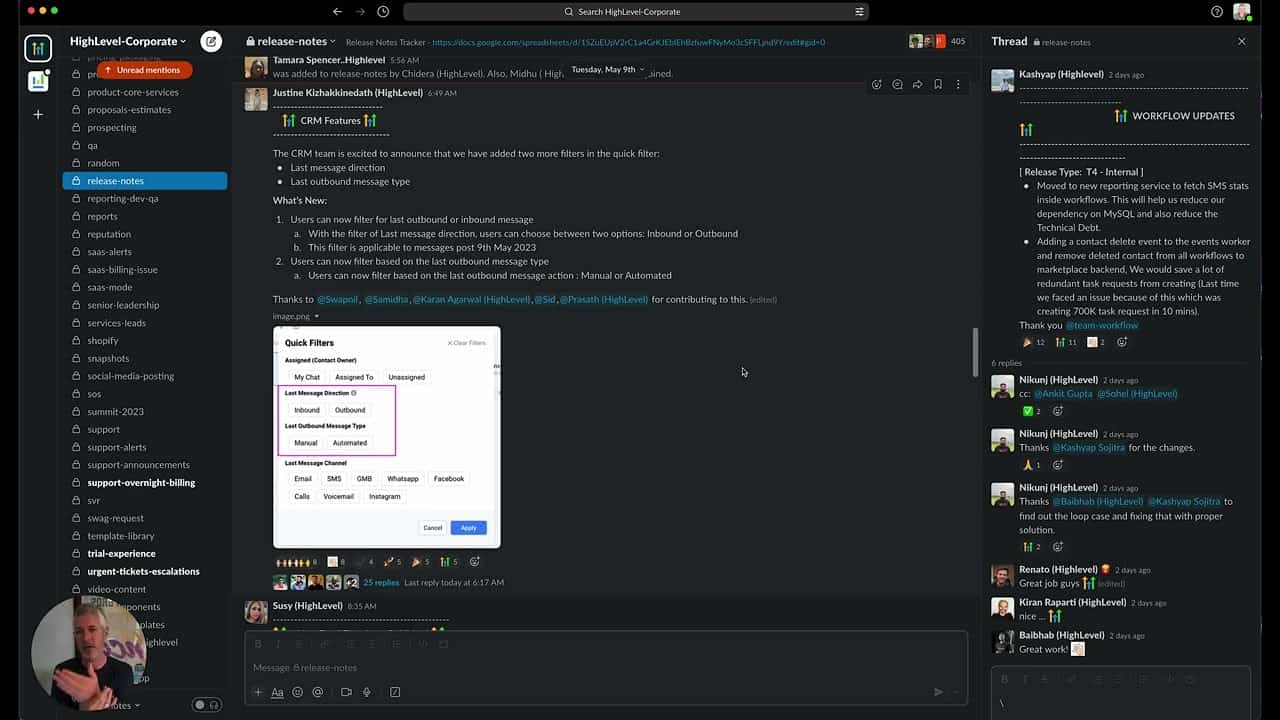
Click on the image above to watch the full video.
New Filters
Last Message Direction
Filter conversations by whether the last message was:
- Inbound — The contact sent the last message
- Outbound — You (or your team) sent the last message
This helps you quickly find conversations waiting for a reply.
Last Outbound Message Type
Filter by how the last outbound message was sent:
- Manual — A human typed and sent it
- Automated — Sent by a workflow
This helps you understand which conversations need human attention versus which are being handled by automation.
Our Toolbox. Every platform, plugin, and service we use and recommend, in one place. See the list →
Why These Filters Matter
Prioritize Responses
Filter to "Inbound" to see all conversations where a contact is waiting for a reply.
Quality Control
Filter to "Automated" to review what your automations are sending.
Team Management
See which conversations your team has responded to manually.
How to Use the Filters
- Go to Conversations
- Click the Filter icon
- Select your filter criteria
- Apply
The conversation list updates to show only matching conversations.
Note on Data Availability
The Last Message Direction filter works for messages sent after May 9, 2023.
See Also
- HighLevel — The platform
See Also
This article blends original content, AI-assisted drafting, and human oversight. How I write.
Stay Updated
Get notified when new content is published.
No spam. Unsubscribe anytime.