HighLevel Social Planner: Easier Account Reconnection
HighLevel improved the Social Planner with better account management and clearer error handling. These updates are designed to reduce support tickets by 40%.
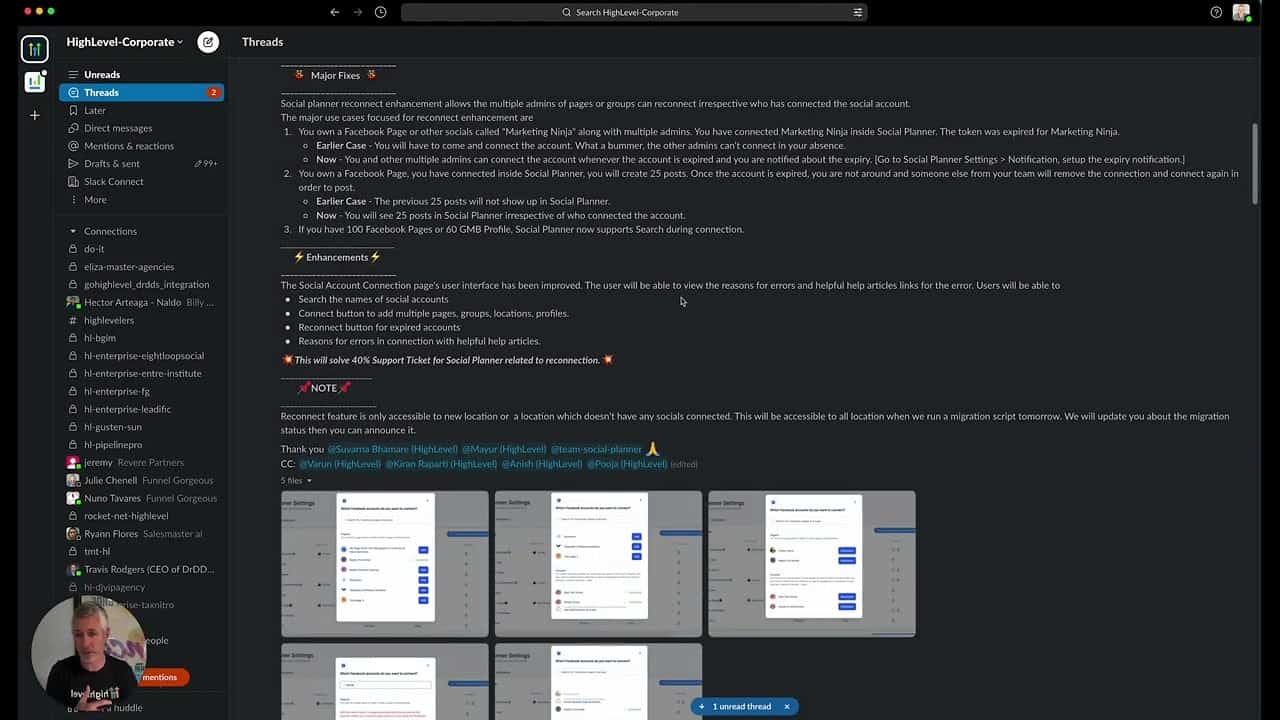
Click on the image above to watch the full video.
Key Improvements
Multi-Admin Reconnection
Any page or group admin can now reconnect social accounts — not just the person who originally connected it.
Better Error Messages
When something goes wrong, you'll see:
- Clear error reasons
- Helpful articles explaining why
- What permissions are missing
- How to fix the issue
Account Search
If you manage many social profiles, you can now search for specific accounts instead of scrolling through a long list.
Our Toolbox. Every platform, plugin, and service we use and recommend, in one place. See the list →
Multiple Connections
Connect in one session:
- Multiple Facebook pages
- Multiple Facebook groups
- Multiple locations
- Multiple profiles
Expired Account Handling
Reconnect expired accounts directly from the interface without starting from scratch.
Permission Warnings
The system now warns you when:
- Permissions are missing
- A button shows exactly which permissions are needed
- Steps to grant missing permissions
Why This Matters
Before these updates, users often had to contact support for help reconnecting social accounts. Now:
- Self-service reconnection
- Clear troubleshooting guidance
- Less waiting for help
Common Issues Solved
- "Why did my account disconnect?" — Now explained
- "I can't reconnect my page" — Any admin can do it
- "Which account is which?" — Search and find it
- "What permissions do I need?" — Listed clearly
See Also
- HighLevel — The platform
See Also
This article blends original content, AI-assisted drafting, and human oversight. How I write.
Stay Updated
Get notified when new content is published.
No spam. Unsubscribe anytime.