AI Action Figures and Custom GPTs
AI Action Figures and Custom GPTs
You've seen the trend — everyone making AI-generated action figures of themselves in ChatGPT. It's fun, but there's a deeper lesson here: how to build Custom GPTs. Rather than tweaking the same prompt over and over, you can turn it into a reusable tool that asks the right questions and cranks out results.
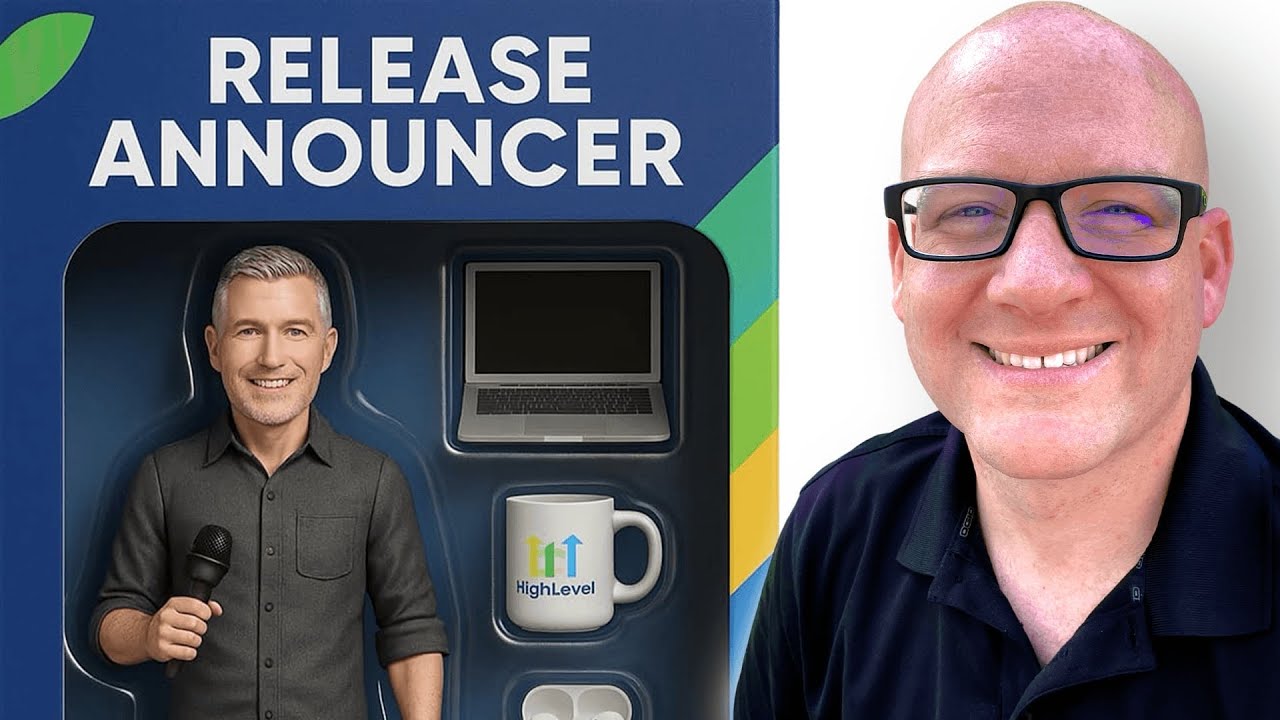
Click on the image above to watch the full video.
The Action Figure Prompt
Shout out to Luis Chavez — he was the first person I saw doing this. Here's the original prompt:
Please create an image of an action figure in packaging. The package should be labeled "Creative Roofing Marketing." Use the attached photo as a reference for his face. He is 180 pounds, five foot seven inches, and 18% body fat, dressed in khaki pants, a red polo shirt, and holding a coffee mug, black dress shoes. The cardboard section of the package should be black and red colors. The packaging should include a dedicated section labeled "Accessories," which contains the following items: a Logitech wireless mouse, a laptop, a cell phone, a microphone, a hammer.
You paste that into ChatGPT, upload a photo, and it generates an action figure. But look at it closer — what parts change every time you run it for a different person?
- The title on the packaging
- The face photo
- The logo
- The primary accessory (what they're holding)
- The tray accessories
Those are your variables. Everything else is the template. That's exactly how Custom GPTs work.
What Custom GPTs Actually Are
Think of a Custom GPT as a saved prompt with variables. You define:
- What stays the same — The base instructions, the format, the style
- What changes — The inputs the GPT asks for each time
It's the same concept as custom values in HighLevel — you have the standard template, and then you mix in the unique data.
Building One Step by Step
You don't need to be technical. Go to ChatGPT, click Explore GPTs, then Create a GPT.
The Create Tab (Conversational)
This is the easy way. Just start talking:
"I want to make an AI action figure image generator."
ChatGPT will start configuring the GPT for you. Tell it what you want:
Our Toolbox. Every platform, plugin, and service we use and recommend, in one place. See the list →
- "Please prompt me for an image of the individual"
- "Then prompt me for an optional logo"
- "Ask me which accessory the figure will hold"
- "Ask me for up to four additional accessories"
- "Please prompt me one thing at a time"
Every time you give it an instruction, it updates the GPT's configuration behind the scenes. You're literally just having a conversation about what you want the tool to do.
The Configure Tab (Behind the Scenes)
Click Configure at any point to see what the GPT has written for itself — the name, description, and full instructions. You can edit these directly if you prefer, but the conversational approach gets you 90% of the way there.
Iterate Until It's Right
The first version won't be perfect. In this build, the GPT was too chatty and asked for everything at once. One instruction fixed it:
"Please prompt me one thing at a time, starting with the face, then the logo, etc."
That's the beauty — you just keep talking to it until the output matches what you want.
Publishing Options
When you're ready:
- Only me — Private tool, just for you
- Anyone with a link — Share with clients or your audience
- GPT Store — Public listing anyone can find
The OCR Trick
Quick side tip that comes up constantly when working with images and AI: if you have a screenshot with text in it — a URL, an event flyer, a business card — upload it to ChatGPT and just say "OCR this."
OCR stands for optical character recognition. ChatGPT will extract all the text from the image. Useful for grabbing URLs from video screenshots, pulling text from flyers, or extracting data from images without retyping anything.
You can also upload multiple images at once (hold Shift and click) along with a text prompt. Combining images with prompts is one of the most powerful patterns in ChatGPT — feed in a face photo and a logo together, and the AI uses both as context. For a similar paste-to-debug workflow with a coding AI, see pasting images into Claude Code.
Real-World Custom GPT Ideas
The action figures are the fun example, but the real power is in practical tools:
- Privacy policy generator — The boilerplate stays the same, but it asks for your website, business name, and support email
- Client brand voice GPTs — One GPT per client with their tone, style, and key messaging baked in
- Screenshot to calendar event — Upload a screenshot of an event, get a Google Calendar link back
- YouTube transcript processor — Feed in a transcript, get chapters, description, and blog post
Once you understand the variables concept, you'll start seeing Custom GPT opportunities everywhere.
See Also
Some links in this article are affiliate links. If you purchase through them, we may earn a commission at no extra cost to you. This helps support our content.
This article blends original content, AI-assisted drafting, and human oversight. How I write.
Stay Updated
Get notified when new content is published.
No spam. Unsubscribe anytime.