Too Many Tabs in Chrome? I Built My Own Browser to Fix It
The problem with too many tabs
Every new tab squeezes the others. Open enough of them and the titles disappear, and you are left with a row of tiny favicons, trying to guess which one is which.
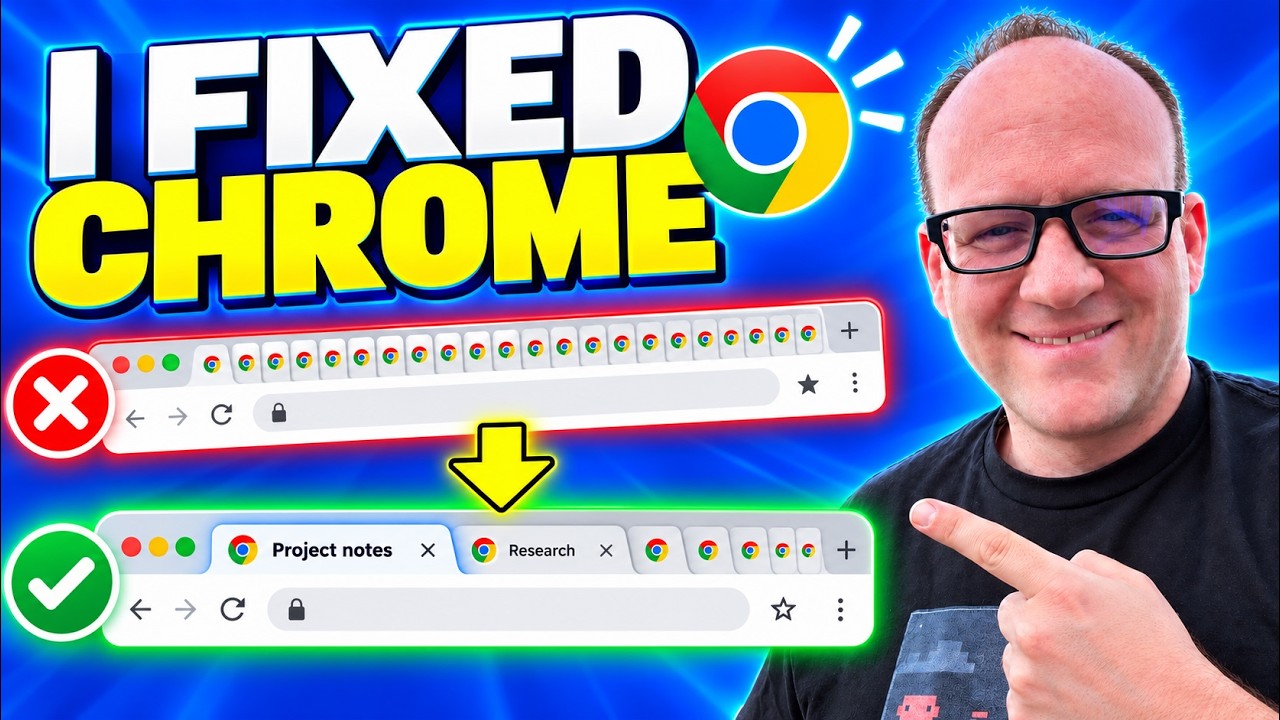
Click on the image above to watch the full video.
The usual answer is vertical tabs. You get a column on the left side of the window, and every tab shows its full title. I tried it and loved seeing everything at once. I also felt lost. I really missed my tabs across the top.
Stair-step tabs
My fix is a third option I call stair-step tabs. Whatever tab you clicked most recently jumps to the far left and gets its full title. The tab after it is a little smaller, then the next one is smaller still, all the way down to the far right, where you only see icons.
Each tab takes as much space as it needs and no more. A short title stays short. A long one gets room to show itself, as long as you used it recently.
The result is that the tabs you are actively working in always have readable titles, and the ones you have not touched in a while step down out of the way. I still have the vertical list on the left when I want it, and I can collapse it to get that screen space back.
Our Toolbox. Every platform, plugin, and service we use and recommend, in one place. See the list →
Like seeing builds like this? Come hang out in the AI for Entrepreneurs group →
Other changes while I was in there
Once you have your own browser, small annoyances become easy to fix. A few more things I changed:
- Profile up top. My Chrome profile shows at the top of the window, so I can see exactly who is logged in. I use a lot of different profiles to stay logged in for different clients and test users, so this one gets used constantly.
- Extensions on a second row. My extensions wrap onto a second row along the bottom of the toolbar, so they stay visible.
- One-click social bookmarks. My social media sites open in a single click.
Your browser can change
Chromium is open source, which means anyone can take it and change how it behaves. That is what makes a project like this possible. These are the first few things I have changed so far. The point is that the browser you spend all day in does not have to stay the way it shipped.
If you think stair-step tabs are cool too, come talk about it in the AI for Entrepreneurs Facebook group. There are over a quarter million people in there, and we would love to have you join discussions like this one.
See Also
- Chrome covers profiles, extensions, and the basics of the browser this build starts from.
See Also
This article blends original content, AI-assisted drafting, and human oversight. How I write.
Stay Updated
Get notified when new content is published.
No spam. Unsubscribe anytime.