How to Create Alex Hormozi Style Captions with Yellow Highlights
You've seen those captions on Alex Hormozi's videos — bold text with yellow word-by-word highlights that follow along as he speaks. Here's how to create the same effect using CapCut.
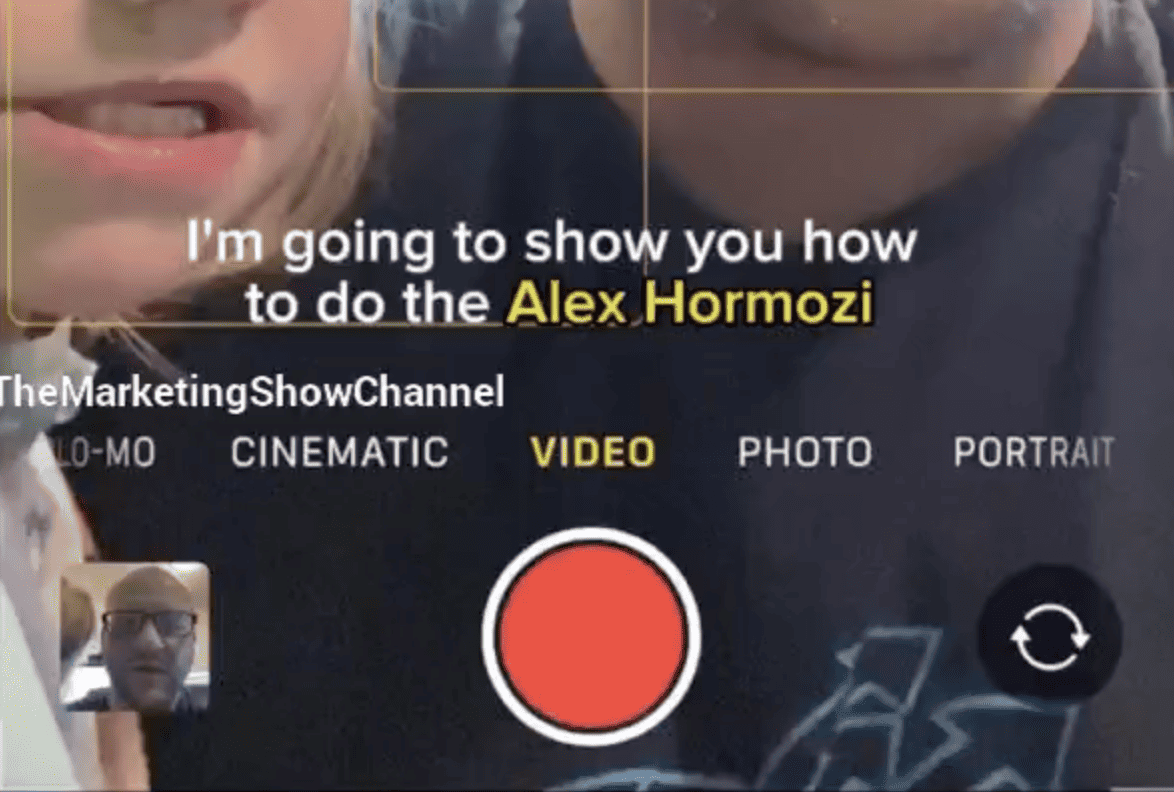
Click on the image above to watch the full video.
What You Need
- CapCut (free, available on iOS and Android)
- A video with spoken audio
Step-by-Step Instructions
1. Create a New Project
Open CapCut and start a new project. Import your video.
2. Generate Auto Captions
- Tap on your video in the timeline
- Select "Auto Captions From Video"
- Hit "Start"
CapCut will automatically transcribe your audio and create captions synced to your speech.
Our Toolbox. Every platform, plugin, and service we use and recommend, in one place. See the list →
3. Apply the Yellow Highlight Style
- Click on the generated text/captions
- Hover over a single word and select it
- Tap "Edit Style"
- Select "Classic"
This applies the yellow highlight effect that animates word-by-word as you speak.
4. Done
Export your video. You now have Hormozi-style captions.
Why This Style Works
The yellow highlight draws attention to each word as it's spoken, which:
- Increases watch time (people follow along)
- Improves retention (visual + audio reinforcement)
- Works great on muted autoplay (social media feeds)
See Also
- Video Editing — More video production tips
See Also
This article blends original content, AI-assisted drafting, and human oversight. How I write.
Stay Updated
Get notified when new content is published.
No spam. Unsubscribe anytime.