Every Claude Code Session Is Saved on Your Computer
There is an assumption baked into the way Claude Code feels when you use it. This session does not know about that session. They are separate windows, separate conversations, separate memories. Close one and whatever was in it is gone.
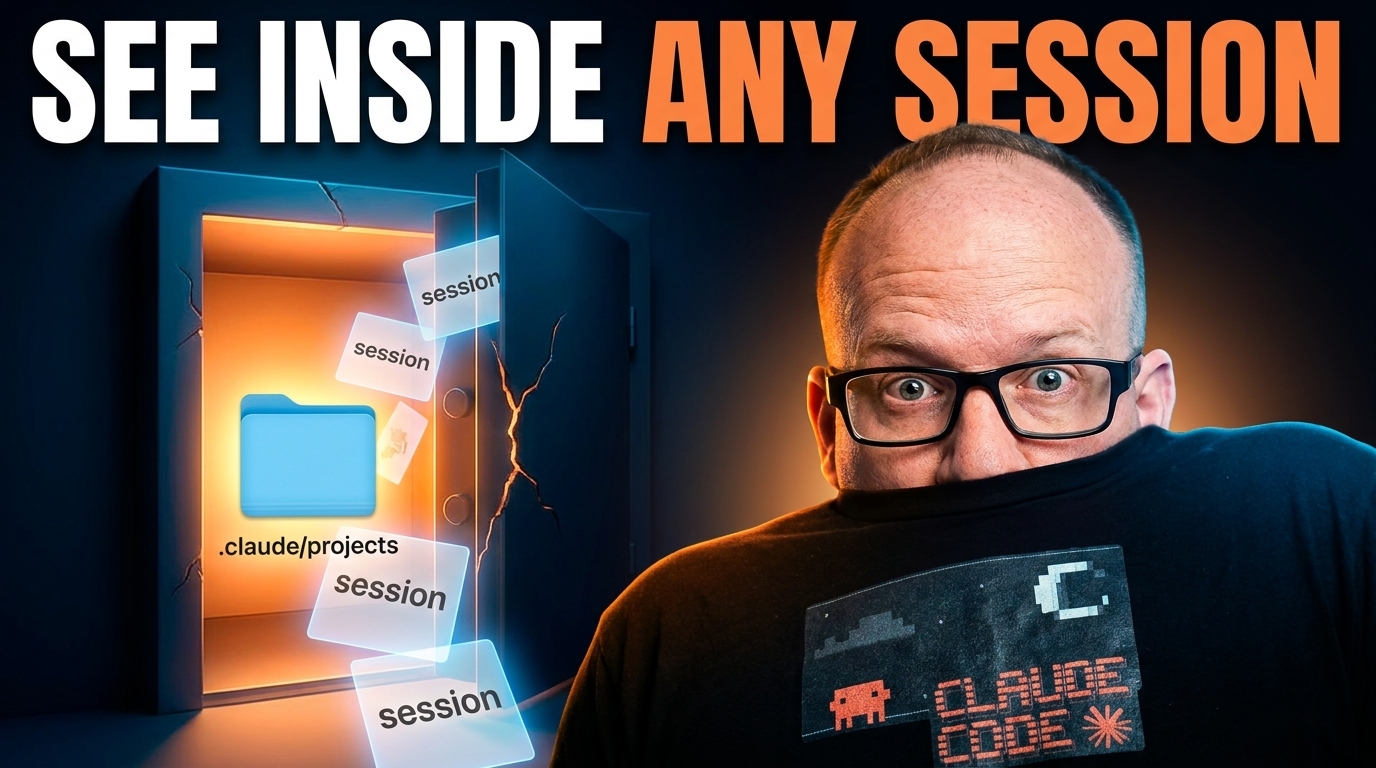
Click on the image above to watch the full video.
That assumption is wrong. Every conversation you have ever had with Claude Code is sitting on your hard drive in plain text, and once you know that, a lot of things open up.
Every Session Has an ID
Start with the thing that makes the rest work. Every Claude Code session has a session ID, a long string of letters and numbers that uniquely names that conversation.
You can ask for it directly. Type what is my session ID and Claude will tell you.
That ID is not decoration. It is the handle you use to point one session at another.
The Search Problem
Here is where this started for me. I was using a VS Code extension that lists all my sessions, which is handy, because I can click any one of them and jump back into it.
Then I went looking for a session about Mapleton. I knew I had worked on it. I typed Mapleton into the picker and got nothing back.
The session existed. The word Mapleton was all over the conversation. But the picker was doing a title search, and the title did not happen to contain the word. A conversation I knew I had was sitting right there and I could not reach it.
That is the pain point. The search only looks at the label on the box, not what is inside the box.
That pain point eventually turned into a dedicated tool. Claude Session Search is a small Mac app that does the full-text version of what the picker cannot: it searches what is inside every box.
Where the Conversations Actually Live
All of that history is stored locally on your machine, in a hidden folder. On a Mac you will need to show hidden files to see it.
The folder you want is ~/.claude/projects/
Open Terminal and list it:
ls ~/.claude/projects/
Inside are your projects, and inside those are the sessions. Each session is a single file named after its session ID, with a .jsonl extension.
What Is Actually in the File
This is the part that surprised me. It is not a summary and it is not metadata. It is a play-by-play of the entire conversation.
Open one and you can read exactly what you typed and exactly what Claude said back, in order. When I asked Claude for my session ID during the recording, I could watch that exchange land in the file in real time. The question, then the answer, written to disk as it happened.
Plain text on your own computer. Which means it is searchable with the tools you already have.
Ready to try it? Start with Claude →
Our Toolbox. Every platform, plugin, and service we use and recommend, in one place. See the list →
The Unlock
Once the files are local and readable, you can do something the picker cannot.
To test it, I told a session we are talking about apples today, then left it alone. Nothing else, no title, no context. Just the word apples buried in the middle of a conversation.
Then I opened a brand new session and asked it to go find the most recent session that mentions apples and tell me its session ID.
It went and read the files. It found the session, verified there was a real message about apples rather than just my prompt echoing back, and handed me the session ID with it copied to the clipboard.
From there I could pick that conversation right back up.
You can do the same thing from the command line if you would rather:
grep -rl "apples" ~/.claude/projects/
Same idea, less conversation. The point is that the content is reachable either way.
Why This Changes How You Work
The shift is small to describe and large in practice. You do not need to save your sessions off somewhere else, because they are already saved. You do not need to remember what you named something, because you can search what you said.
A session that got stuck, a conversation you abandoned two weeks ago, work you assumed was gone when you closed the window. All of it is on disk, and any new session can go read it.
The Hidden Risk: Everything You Pasted Is Also In There
Here is the part that should change how you think about this.
These files are complete transcripts, not summaries. Every character you typed into that session is in the file, and they get big. One of mine ran 28 MB. So if you have ever pasted an API key into a session to get unstuck, or dropped a .env file in so Claude could see the config, or shared a database password while debugging a connection — that value is sitting on your disk in plain text right now.
It is worse than a leaked repo in one specific way: you know what is in your repo. I could not tell you every string I have pasted into an AI over the last six months, and I doubt I am unusual there. Your session files are a record you did not know you were keeping.
The fix is not to stop pasting things. The fix is to never have the key in a place where pasting it matters.
Stop Hardcoding Secrets. Use AWS.
Mine live in a locked-down vault in AWS now, and my scripts and AI agents pull them at runtime. There is nothing in my code to paste, so there is nothing in a session file to find later. When I rotate a key, I rotate it in one place instead of hunting down everywhere I typed it.
That is a real setup, not a slogan, and it is worth the hour or so to stand up the first time. Because it is not just about this session file — it is about every place you might paste that key. Your GitHub history. Your chat logs. Your email. A vault pattern fixes all of it at once.
Need help with this? Create a ticket today →
See Also
- claude-code-hooks wires code into the conversation loop, so behavior happens every time instead of when Claude remembers to do it.
- claude-code-deterministic-pattern covers splitting the work between Python scripts and Claude's judgment.
- your-first-day-with-claude-code is the setup walkthrough if you are earlier in this than session archaeology.
- search-claude-code-sessions is the Mac app that grew out of this: full-text search over every session, one click to reopen it in VS Code.
See Also
We are an independent affiliate of Claude Code and may earn a commission if you sign up through links on this page. We are not employees or representatives of Claude Code.
Some links in this article are affiliate links. If you purchase through them, we may earn a commission at no extra cost to you. This helps support our content.
This article blends original content, AI-assisted drafting, and human oversight. How I write.
Stay Updated
Get notified when new content is published.
No spam. Unsubscribe anytime.