I Moved Off Lovable in About an Hour
I Moved My Entire App Off Lovable and Onto My Own Server in About an Hour
I built a quote collection app with Lovable a few months ago. It worked great. React, TypeScript, Tailwind, Supabase backend — hundreds of quotes, image uploads, AI-powered analysis, admin dashboard, the whole deal.
But I got tired of the credits.
Look — Lovable is great. It was my gateway into vibe coding and they're doing well. But the credit system drove me crazy. You need credits to make changes to your app. Run out mid-session? Wait for the free credits to refill, or buy more. I found myself upgrading my plan to get more build credits, then downgrading because I didn't need the recurring cost, then upgrading again because I wanted to make changes. Credits, rollovers, tiers — the whole thing just felt like a mess. I was spending more time managing my plan than building my app.
And the confusing part was figuring out what I was even paying for. Building the app is one thing. Hosting it is another. Maintaining it is another. The line between those was never clear to me.
Meanwhile I'm paying $200/month for Claude Code and using it across 20+ projects. It feels unlimited. I can make a hundred changes in a day and never think about credits. The math stopped making sense — why am I nickel-and-diming myself on Lovable when Claude Code can do the same work without a meter running?
So I sat down and migrated the entire thing to my own VPS in about an hour. Frontend, database, auth, storage, hundreds of images, edge functions — everything. No more credits. No more waiting. No more dependency on a platform that might change their pricing tomorrow.
Here's exactly how it went.
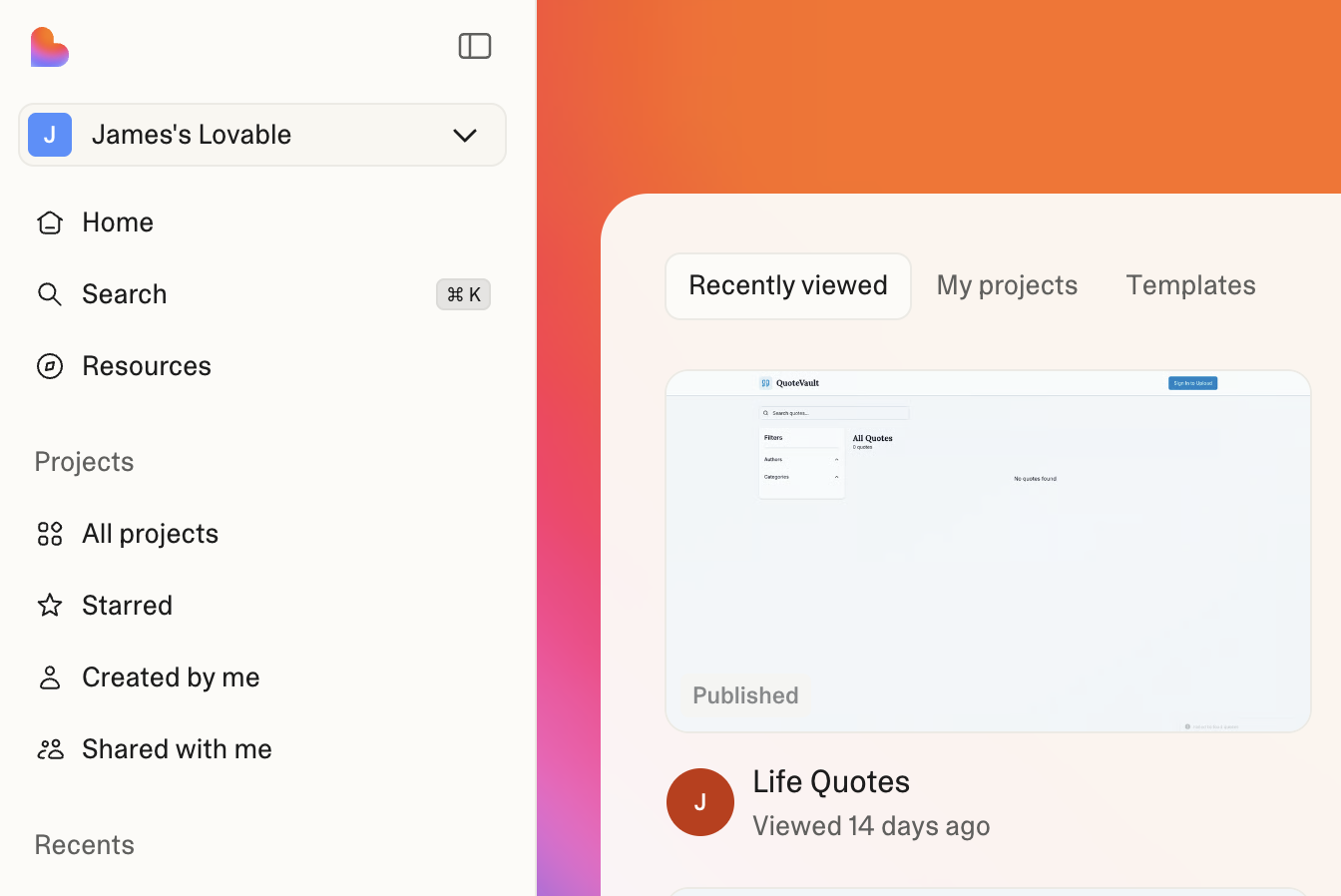 This is what the Lovable dashboard looked like before I pulled the plug.
What I Was Working With
It's a personal quote vault — I save quotes from books, social media posts, conversations, scripture. Each quote has an author, categories, and an image. There's an admin dashboard for managing everything and an export feature for pulling quotes into other formats.
Under the hood it's a standard Vite app. React, TypeScript, Tailwind for the frontend. Supabase handles auth, the database, file storage, and edge functions. Lovable generated all of this from plain English prompts.
The key realization: Lovable projects are just normal code. There's no proprietary framework or lock-in at the code level. It's a standard package.json, standard Vite config, standard Supabase client. Which means moving it is way easier than you'd expect.
Step 1: Run It Locally
This was almost anticlimactic.
git clone your-repo-url
cd your-project
npm install
npm run dev
That's it. The app was running on localhost. Every Lovable project is a standard Vite app, so there's nothing special to configure. If you can run npm install, you can run a Lovable project locally.
Step 2: Deploy the Frontend
I already have a VPS running with Caddy as a reverse proxy and Cloudflare handling DNS. So deploying the frontend was straightforward:
- Pull the repo on the VPS
- Run npm run build to generate the static files
- Add a Caddy server block pointing my subdomain at the build output
- Add a Cloudflare DNS record pointing the subdomain to my VPS (proxied, so SSL is automatic)
The site was live in about five minutes. But it was still talking to Lovable's Supabase instance for data. That's the part that needed real work.
Step 3: Migrate the Database
Here's where it gets interesting. I already had self-hosted Supabase running on my VPS — the full stack with auth, storage, PostgREST, edge functions, everything. It was serving another project. So the question wasn't "how do I set up Supabase" — it was "how do I move my data into the existing instance."
Export from cloud:
Using the Supabase REST API, I pulled everything down — all quotes, authors, categories, category relationships, and image variation records. Hundreds of rows across five tables.
Run the migrations:
The Lovable project had 14 migration files in the supabase/migrations folder. I concatenated them and ran them against my self-hosted Postgres. Tables created, RLS policies applied, indexes built.
Our Toolbox. Every platform, plugin, and service we use and recommend, in one place. See the list →
Import the data:
Generated SQL insert statements from the JSON exports and piped them into the database. The only tricky part was the auth user — I needed to create my user account in the self-hosted GoTrue auth service with a matching identity record. Claude Code caught that the auth.identities table was empty (GoTrue requires it for email login) and fixed it.
Step 4: Migrate 495 Images
Every quote has an image stored in Supabase Storage. Hundreds of them, all sitting on Lovable's cloud instance.
Claude Code wrote a Python script that downloaded each image from the cloud and uploaded it to my self-hosted storage. Every single one transferred with zero failures. Then it ran a SQL update to rewrite every image URL in the database from the old cloud domain to my self-hosted domain.
Step 5: Fix What Broke
Two things broke during the migration, and both were interesting problems.
API gateway buffer size. The browse page loads all quotes and then fetches their categories using a single query with hundreds of UUIDs in the URL. That's a huge query string. Kong (the API gateway in self-hosted Supabase) has a default header buffer that's too small for that. The browser was silently getting a 414 "URI Too Long" error. The fix was one environment variable to increase the buffer size.
Port mapping. My self-hosted Supabase was using Traefik labels for routing, but the actual reverse proxy was Caddy. Kong's port 8000 wasn't mapped to the host, so Caddy couldn't reach it. One line in docker-compose.yml fixed that.
These are the kinds of problems you only discover when you actually run things on your own infrastructure. They're also the kinds of problems that take five minutes to fix once you understand them.
Want to try this yourself? Get started with Claude Code →
Step 6: Migrate the AI Features
This was the last dependency on Lovable. The app has four edge functions that use AI — analyzing quote images, generating meanings, extracting text. They all called ai.gateway.lovable.dev with a LOVABLE_API_KEY.
The fix was a straightforward find-and-replace across four files:
- LOVABLE_API_KEY → OPENAI_API_KEY
- ai.gateway.lovable.dev/v1/chat/completions → api.openai.com/v1/chat/completions
- google/gemini-2.5-flash → gpt-4o
The functions already used the OpenAI-compatible chat completions format — Lovable's gateway was just a proxy. Swapping the URL and key was all it took.
Step 7: Delete the Lovable Project
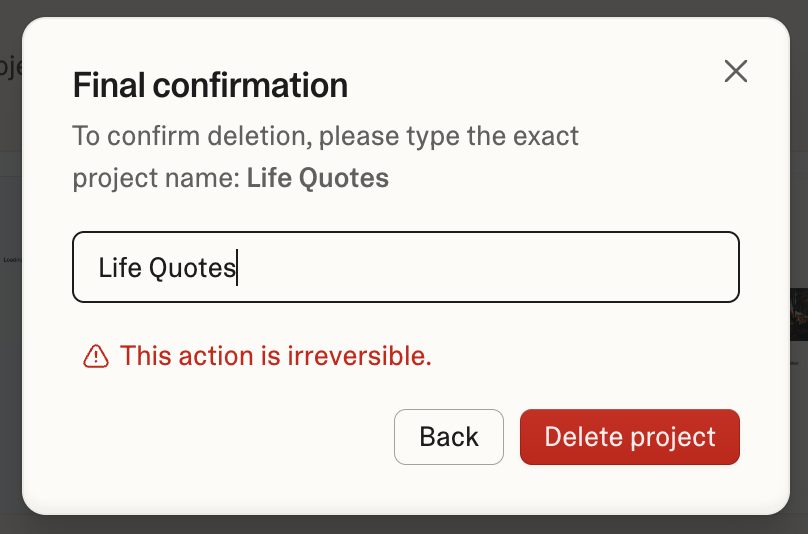
Once everything was confirmed working on my own infrastructure — quotes loading, images displaying, auth working, AI features functional — I went to the Lovable dashboard and deleted the project.
No more cloud Supabase. No more Lovable AI gateway. No more dependency on a third-party platform for an app I use every day.
What I Learned
The credit model is the real problem. Lovable is a good tool. The code it generates is clean, standard, and portable. But when you're past the prototype phase and making daily changes, a credit-based pricing model works against you. You start rationing your edits. You wait for credits to refill instead of fixing the bug right now. Claude Code's flat monthly rate removed that friction entirely.
Lovable is still great for the first build. It took my idea from "I want a quote collection app" to a working full-stack application in an afternoon. I'd use it again for prototyping. But once the app is built and you're in maintenance and iteration mode, you don't need the UI scaffolding anymore — you need a tool that can edit files, run commands, and debug problems without counting credits.
Self-hosting isn't as hard as it sounds. If you already have a VPS, adding another app is incremental. Caddy handles SSL automatically. Cloudflare handles DNS. Docker runs Supabase. The hardest part was debugging a buffer size issue, and that took ten minutes.
Claude Code made this practical. I didn't write migration scripts by hand. I didn't manually export and import data. I described what I wanted, Claude Code figured out the steps, ran into problems, and fixed them. The whole migration was a conversation. It even read the text off a quote image to fix a truncated database entry.
Your Lovable projects are portable. This is the most important takeaway. If you've built something with Lovable and you're worried about vendor lock-in — don't be. The code is standard React and TypeScript. The database is standard Postgres. You can move it whenever you're ready.
The Final Stack
| Layer | Before | After |
|---|---|---|
| Frontend | Lovable hosting | VPS + Caddy |
| Backend (DB, auth, storage) | Lovable's Supabase | Self-hosted Supabase |
| AI features | Lovable API gateway | OpenAI API direct |
| DNS/SSL | Lovable | Cloudflare |
| Monthly cost | Lovable subscription | ~$0 incremental |
See Also
- Claude Code Changed How I Build Everything — How I use Claude Code across 20+ projects
- Lovable — Still a great tool for prototyping full-stack apps
- The Deterministic Pattern — Splitting work between scripts and AI
- Cloudflare — DNS, CDN, and SSL for free
- Supabase — The database platform (cloud or self-hosted)
See Also
We are an independent affiliate of Lovable and may earn a commission if you sign up through links on this page. We are not employees or representatives of Lovable.
We are an independent affiliate of Claude Code and may earn a commission if you sign up through links on this page. We are not employees or representatives of Claude Code.
We are an independent affiliate of Hostinger and may earn a commission if you sign up through links on this page. We are not employees or representatives of Hostinger.
Some links in this article are affiliate links. If you purchase through them, we may earn a commission at no extra cost to you. This helps support our content.
This article blends original content, AI-assisted drafting, and human oversight. How I write.
Stay Updated
Get notified when new content is published.
No spam. Unsubscribe anytime.