API Domain vs White-Label Domain in HighLevel
HighLevel has two different domain types you can customize: the white-label domain and the API domain. They serve different purposes and are not interchangeable.
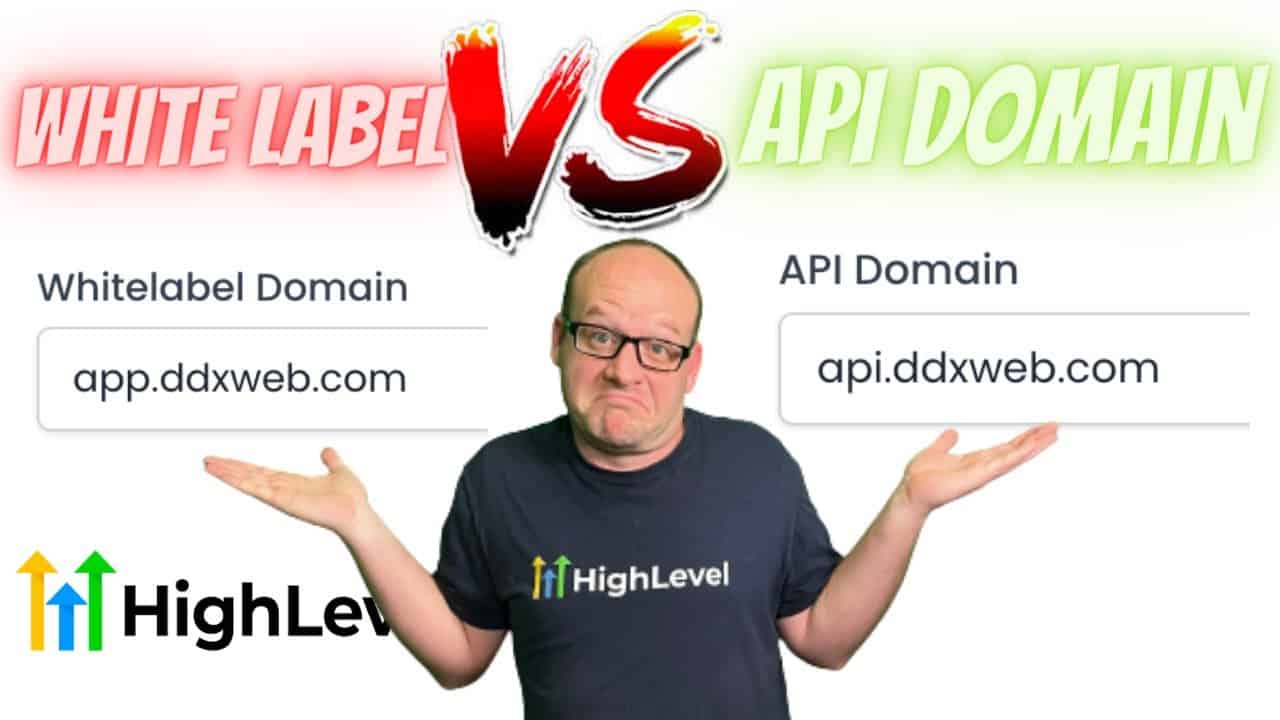
Click on the image above to watch the full video.
White-Label Domain
Purpose: Where your clients log in to access the platform.
Example: app.youragency.com
What it controls:
- Login URL for your branded portal
- Where users access the dashboard
- The domain shown in the browser when using HighLevel
API Domain
Purpose: Used for rendering special system links.
Our Toolbox. Every platform, plugin, and service we use and recommend, in one place. See the list →
Example: link.youragency.com
What it controls:
- Trigger links
- Review request links
- Unsubscribe links
- Other system-generated URLs
Why They're Separate
These domains serve completely different functions:
- White-label domain = User authentication and dashboard access
- API domain = System links in emails, SMS, and automations
If you only set up one, the other will still show default HighLevel URLs.
How to Set Them Up
White-Label Domain
- Go to Agency Settings → White Label
- Add your subdomain (e.g.,
app.youragency.com) - Add the CNAME record to your DNS (Cloudflare recommended)
- Save and verify
API Domain
- Go to Agency Settings → API Domain
- Add your subdomain (e.g.,
link.youragency.com) - Add the CNAME record to your DNS
- Save and verify
Common Mistakes
- Using the same subdomain for both — They need different subdomains
- Only setting up one — You need both for full white-labeling
- Confusing which is which — Login = white-label, Links = API
See Also
- Trigger Links — What trigger links are and how to use them (the API domain powers these)
- Cloudflare — Recommended for DNS setup
This article blends original content, AI-assisted drafting, and human oversight. How I write.
Stay Updated
Get notified when new content is published.
No spam. Unsubscribe anytime.