Highlevel
HighLevel Agent Reporting: Track Staff Performance
June 21, 2023•1 related topics
HighLevel's Agent Reporting shows you exactly how your team is performing — opportunities created, conversions, messages sent, and more.
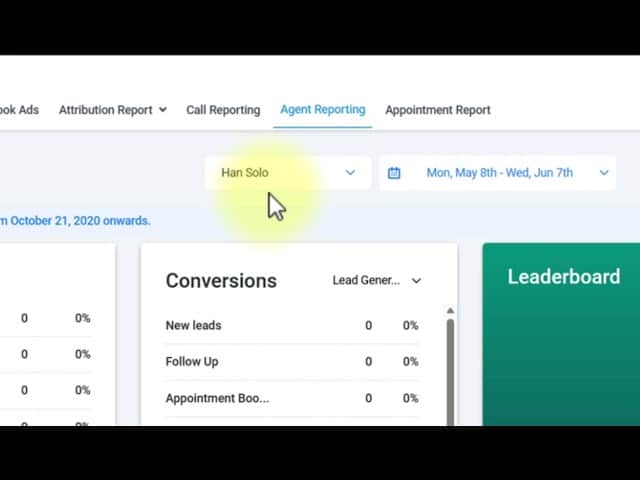
Click on the image above to watch the full video.
Accessing Agent Reporting
- Go to Reporting in the left sidebar
- Select Agent Reporting at the top
How to Generate a Report
- Select the staff member(s) you want to analyze
- Set your date range
- Click Fetch to retrieve the data
Metrics Tracked
For each agent, you'll see:
- Opportunities — Deals created or assigned
- Conversions — Opportunities won
- SMS Messages — Text messages sent
- Emails — Emails sent
- Calls — Phone calls made (inbound and outbound)
- Call Duration — Total talk time
The Leaderboard
Agent Reporting includes a leaderboard feature that:
- Ranks team members by performance
- Encourages friendly competition
- Helps identify top performers
- Motivates the team
Use Cases
Sales Team Management
Track who's making the most calls and closing the most deals.
Our Toolbox. Every platform, plugin, and service we use and recommend, in one place. See the list →
Support Team Metrics
Monitor response volumes across channels.
Performance Reviews
Pull reports for specific date ranges to review individual performance.
Goal Tracking
Compare actual activity against targets.
See Also
- HighLevel — The platform
See Also
This article blends original content, AI-assisted drafting, and human oversight. How I write.
Stay Updated
Get notified when new content is published.
No spam. Unsubscribe anytime.