Claude Code Fixed My SEO in Minutes
So I got one of those emails from Google Search Console — "New reasons prevent pages from being indexed on site mytechsupport.com." The issue was "Duplicate without user-selected canonical."
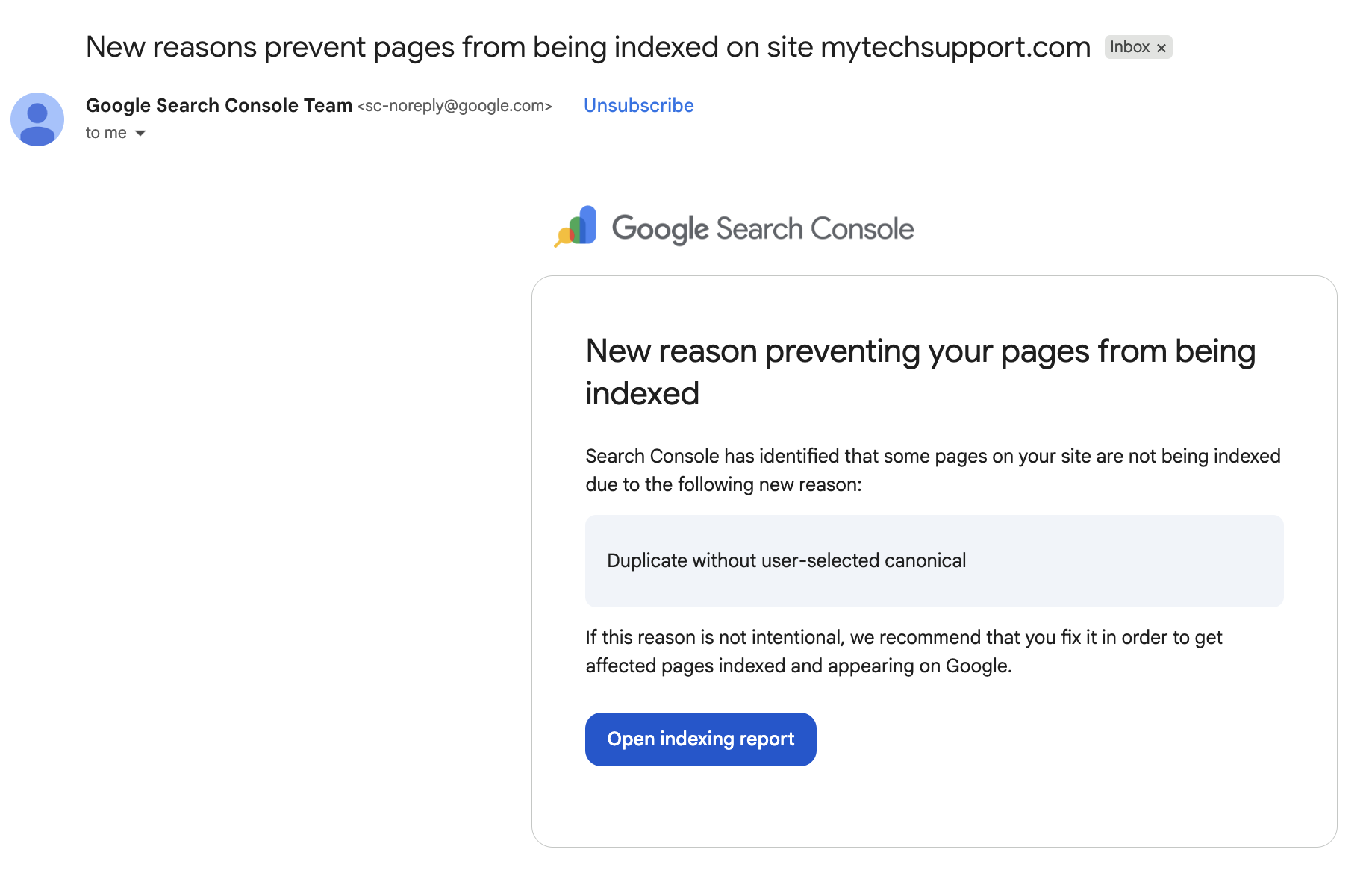
Now, I could have spent an hour digging through documentation and Stack Overflow threads to figure out exactly which files needed changing. Or I could screenshot the email, paste it into Claude Code, and say "fix this."
I went with option two. The whole thing was resolved in minutes.
What Was Actually Wrong
Turns out my site had two different URL patterns pointing to the same content. The SEO-friendly version at /bounties/category/slug had the right canonical tag. But the older fallback route at /bounty/uuid didn't have one at all. Google was finding both URLs, seeing the same content, and going "which one is the real page?" Since neither one explicitly said "I'm the canonical version," Google flagged it.
On top of that, the site had no sitemap.xml and no robots.txt. Google was basically wandering around my site with no map and no directions.
What Claude Code Did
Within a few minutes, Claude Code had:
- Added canonical tags to the fallback route — pointing Google to the SEO-friendly URL
- Created a sitemap.xml that dynamically lists every bounty, job, and specialist profile on the site
- Created a robots.txt telling crawlers to skip internal pages like the admin dashboard, auth pages, and the old UUID-based bounty URLs
- Built and deployed all three changes — tested the build locally, committed, and pushed to production
I didn't have to dig through the codebase looking for where meta tags are generated. I didn't have to cross-reference Next.js docs on the metadata API. Claude Code read the error, understood the codebase, found the gap, and fixed it.
Then It Got Better
After fixing the immediate problem, I asked Claude Code if it could submit the sitemap to Google for me — programmatically, without me logging into the Search Console web UI.
It set up OAuth with the Google Search Console API, reused credentials from an existing Google Calendar integration I had, and submitted the sitemap. Google downloaded it within one second. I verified it right there in the terminal.
Now I can check indexing status, pull search performance data, and submit sitemaps just by asking Claude Code. No browser, no logging in, no clicking through menus. I just say "check if this page is indexed" or "how's my search traffic looking" and it tells me.
The Old Way vs. The New Way
The old way: get the email, open a dozen tabs, read three Stack Overflow threads that contradict each other, cross-reference your framework's docs, figure out which file in your codebase handles meta tags, make a change, hope it works, wait for Google to recrawl, check back in two weeks.
Our Toolbox. Every platform, plugin, and service we use and recommend, in one place. See the list →
The new way: paste a screenshot into Claude Code. Come back to a deployed fix and an API client you didn't ask for but are glad you have.
The gap between "I know what a canonical tag is" and "I know which file in this Next.js app needs the alternates.canonical property added to the generateMetadata function" — that gap used to take hours. Now it takes seconds.
Need help with technical SEO? Create a ticket on MyTechSupport.com — vetted specialists who've seen your exact problem before.
You Learn While It Works
One thing I appreciate about this workflow — Claude Code explains what it's doing as it goes. It said "your /bounty/[id] route has no canonical tag, and the SEO-friendly route at /bounties/[category]/[slug] does — so Google doesn't know which is the real page." That's a better explanation than most tutorials give you, and it's applied to your actual code, using your actual file names.
That's the thing about working with Claude Code on technical problems. You don't just get the fix. You get the context. Every time I go through one of these, I come out understanding the problem better — not because I studied it, but because I watched it get solved in my own codebase.
Try This Yourself
If you've got a site and you're getting weird emails from Google Search Console, here's what I'd do:
- Screenshot the email
- Open Claude Code in your project directory
- Paste the screenshot and say "fix this"
- Watch it work
If your site is built with a modern framework like Next.js, Claude Code can usually find and fix the issue in one shot. If it's something more complex — a WordPress site with plugins stacking on top of each other, or a custom backend — it might take a couple of rounds. But either way, you're going to get there faster than Googling.
Never used Claude Code before? Your First Day With Claude Code walks you through the entire setup from scratch — no coding experience needed.
The deterministic pattern I wrote about earlier applies here too. The API client Claude Code built runs the same way every time. No AI involved in the actual queries — it's just hitting Google's API with the right credentials. Claude did the thinking once, wrote the automation, and now it runs reliably without any AI in the loop.
Want to Go Deeper on SEO?
If this got you thinking about your own site's SEO, check out AI SEO Mastery Pro — Caleb Ulku's Skool community for people serious about ranking. He manages 97+ local SEO clients and shares the actual workflows, prompts, and templates he uses. It's where the real practitioners hang out.
See Also
- I Built a Deep SEO Audit with Claude Code — Goes further: batch URL inspection, sitemap quality checks, meta tag audits, and 404 detection in one script
- 16 Domains Added to Search Console in 2 Minutes — The sequel: bulk-verifying all your Cloudflare domains in one shot
- Claude Code Changed How I Build Everything — The full breakdown of how I use Claude Code across 20+ projects
- Your First Day With Claude Code — Install and start using Claude Code from scratch
- Google Search Console — What it is and why it matters for SEO
- The Deterministic Pattern — Why the best Claude Code workflows split thinking from doing
- AI SEO Mastery Pro — Caleb Ulku's SEO community on Skool
- SEO — The basics of search engine optimization
See Also
We are an independent affiliate of Claude Code and may earn a commission if you sign up through links on this page. We are not employees or representatives of Claude Code.
We are an independent affiliate of Skool and may earn a commission if you sign up through links on this page. We are not employees or representatives of Skool.
We are an independent affiliate of AI SEO Mastery Pro and may earn a commission if you sign up through links on this page. We are not employees or representatives of AI SEO Mastery Pro.
Some links in this article are affiliate links. If you purchase through them, we may earn a commission at no extra cost to you. This helps support our content.
This article blends original content, AI-assisted drafting, and human oversight. How I write.
Stay Updated
Get notified when new content is published.
No spam. Unsubscribe anytime.