HighLevel Trigger Links: One-Click Automation
Trigger links are the bridge between humans and HighLevel automation. Someone clicked a link? Now a workflow fires. No forms, no logins — just a click and the next thing happens.
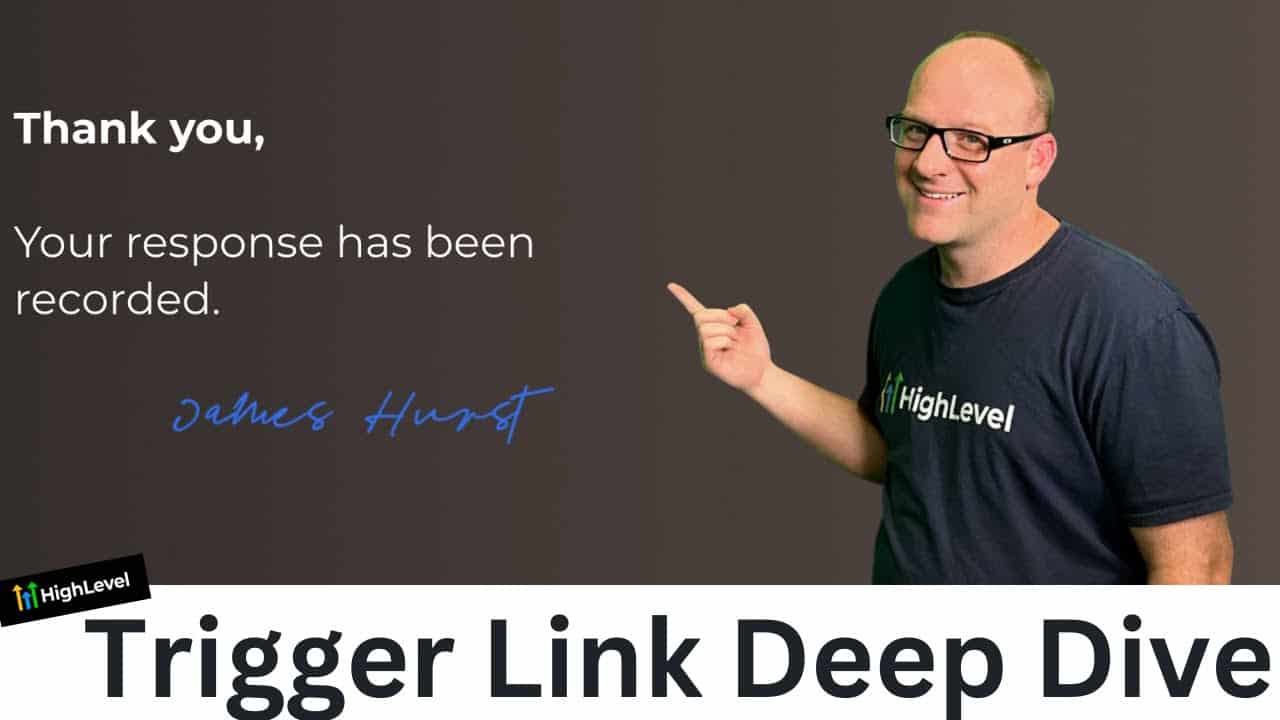
Click on the image above to watch the full video.
Think of trigger links as the in-between between automations and humans. Sometimes the system needs a human to say "yes, they showed up" or "yes, the invoice was paid." That's what trigger links are for.
How Trigger Links Work
A trigger link has two parts:
- A name — This is the meaning. "Marked as paid," "I left a voicemail," "Clicked Google review link." The name is what matters.
- A redirect URL — This is where the person lands after clicking. And here's the key insight: the landing page doesn't matter. It just needs to go somewhere.
When someone clicks the link, HighLevel fires whatever workflow you've attached to it. The person sees a landing page. You get the automation.
The "Response Recorded" Page Trick
You don't need a different landing page for every trigger link. Create one simple page that says:
"Thank you, your response has been recorded. We'll be in touch."
Then point every trigger link to that same page. "Rejected" — goes to that page. "Marked as paid" — same page. "Google reviews link" — same page. Each one fires a different workflow, but the landing page is the same. The meaning comes from the name, not the destination.
How to Create a Trigger Link
- Go to Marketing → Trigger Links → Links
- Click Create New
- Give it a name that describes what the click means (e.g., "I booked an appointment")
- Set the redirect URL to your "response recorded" page
- Save — now use it in your workflows
In your workflow, start with a Trigger Link trigger, pick the link you created, and then add whatever actions should happen: send an email, update a status, move someone in a pipeline, send an internal notification — anything.
Our Toolbox. Every platform, plugin, and service we use and recommend, in one place. See the list →
Real-World Use Cases
Updating Lead Status
When a new lead comes in, send yourself (or your team) a notification with multiple trigger links:
- "I will call them now"
- "I did talk to them"
- "I left a voicemail"
- "I booked an appointment"
Each link fires a different workflow that updates the lead's status accordingly. One click from your phone and the system knows what happened.
Wrapping PayPal Links
Instead of sending clients a raw PayPal link, wrap it in a trigger link. Now when the client clicks to pay, you get a notification: "So-and-so is about to pay." You see the payment come through, then you click a separate "marked as paid" trigger link — which sends the client a thank-you message and updates their records. Two trigger links working together.
Wrapping Zoom Links
Put your Zoom meeting link inside a trigger link. When someone clicks to join, you get a notification: "So-and-so has joined." You know they're on the call before you even open Zoom.
Smarter Review Requests
First, get a direct Google review link that drops people straight into the star-rating screen. Then wrap it in a trigger link and build a workflow that waits 15 minutes and checks whether the link was clicked. If they haven't clicked, follow up. If they have, the workflow moves forward.
This turns a simple review request into an intelligent follow-up system. Instead of hoping they click, you know whether they did — and you can nudge the ones who didn't.
The Pattern: Wrap External Links in Trigger Links
The thread running through all of these examples is the same: take any external link (PayPal, Zoom, Google Reviews, a booking page) and wrap it in a trigger link. Now you have visibility. You know when someone clicks, and you can build automations around that knowledge.
See Also
- Custom Fields vs Custom Values — Understanding merge fields and data in HighLevel
- Trigger Link Merge Fields — A feature we requested (and HighLevel built) to show trigger link keys directly in settings
- Premium Workflow Actions — Advanced workflow features like HTTP requests and webhooks
See Also
This article blends original content, AI-assisted drafting, and human oversight. How I write.
Stay Updated
Get notified when new content is published.
No spam. Unsubscribe anytime.