HighLevel Added Trigger Link Merge Fields
Update: HighLevel implemented this. The link key merge field is now visible directly on the Trigger Links page — no more workarounds. Thanks to everyone who voted on the Ideas Board.
Click on the image above to watch the full video.
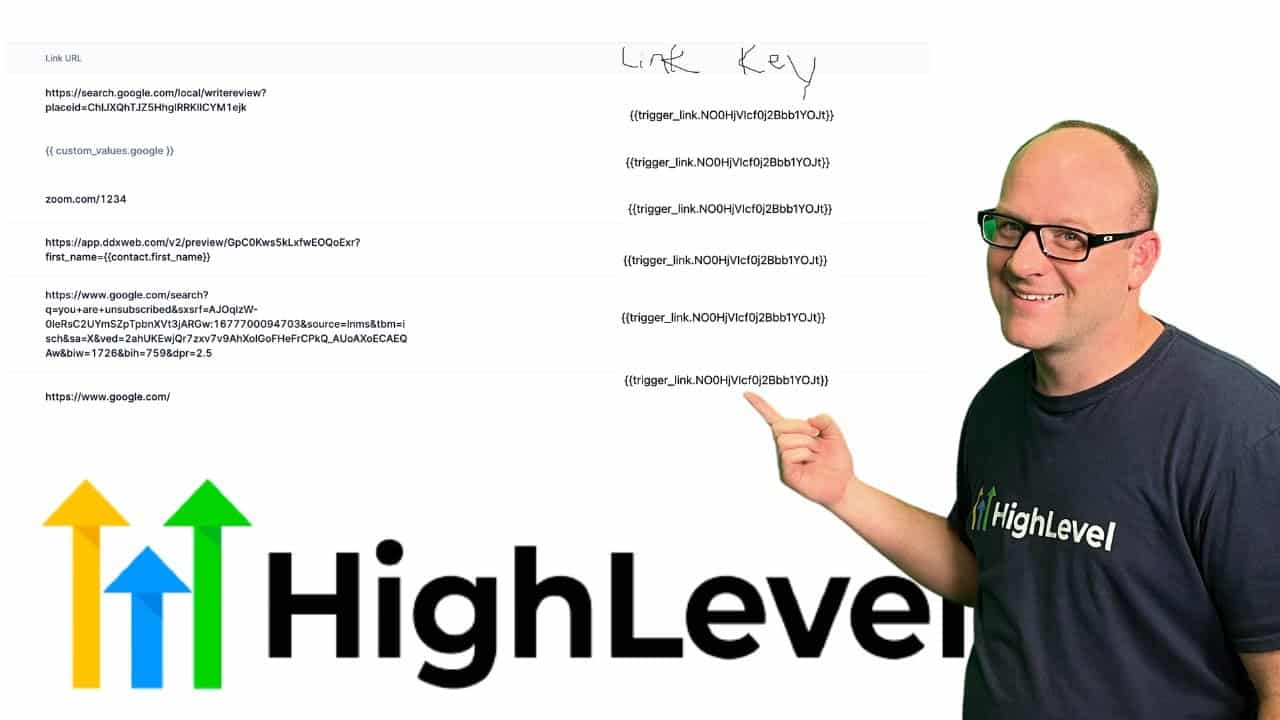
The Problem
Custom values have a key and a value. You can see both right there in settings. But trigger links also have merge fields — link URL and link key — and there was no way to see them on the Trigger Links page itself.
To find the merge field syntax for a trigger link, you had to:
- Go into a workflow
- Add an SMS action (or any action with merge fields)
- Navigate to the trigger links section in the merge field picker
- Copy the syntax from there
That's a lot of clicks just to grab a merge field you use all the time.
Our Toolbox. Every platform, plugin, and service we use and recommend, in one place. See the list →
What We Requested
We mocked up exactly what it should look like: the link URL and link key fields displayed right on the Trigger Links settings page, the same way custom values show their keys. We submitted it to the HighLevel Ideas Board and asked the community to vote.
The Result
HighLevel built it. The link key is now accessible directly from the Trigger Links page — exactly where it should have been from the start.
If you've got ideas for improving HighLevel, submit them to the Ideas Board. They do listen.
See Also
- Custom Fields vs Custom Values — Understanding keys, values, and merge fields in HighLevel
- Trigger Links — How to use trigger links for one-click automation
See Also
This article blends original content, AI-assisted drafting, and human oversight. How I write.
Stay Updated
Get notified when new content is published.
No spam. Unsubscribe anytime.