Direct Google Review Link for Clients
How to Create a Direct Google Review Link
When you ask someone for a review, every extra click you make them take is a chance they bail. The goal is a single link that drops them straight into the star-rating screen — no searching, no navigating, no friction.
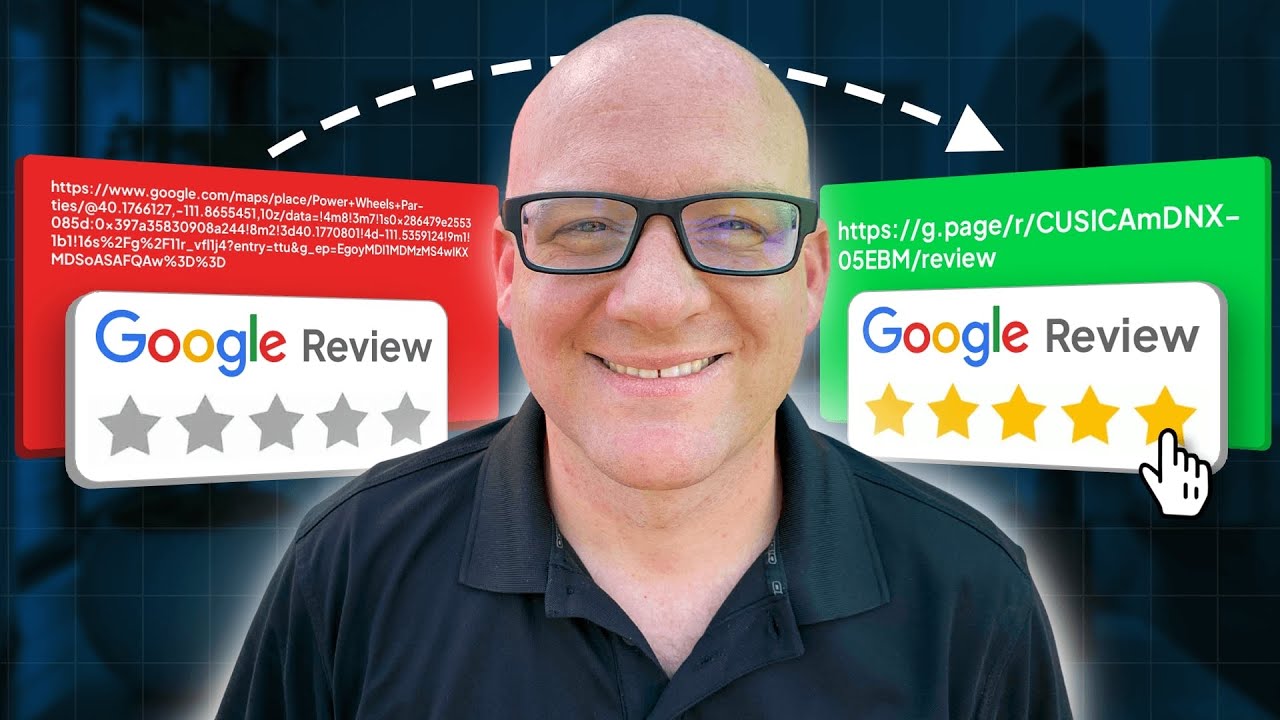
Click on the image above to watch the full video.
Here are two ways to get that link.
Method 1: You Own the Profile
If you're logged into the Google Business Profile as the owner:
- Open your Google Business Profile dashboard
- Click Ask for Reviews
- Copy the link — done
That's the cleanest version. Google gives you a short, shareable URL that goes directly to the review prompt.
Method 2: You're Doing It for a Client
If you're an agency setting this up on behalf of a client, you won't have that easy button. You need the business's Place ID — a unique identifier Google assigns to every location in its database.
Step 1: Find the Place ID
Go to Google's Place ID Finder. Search for the business by name and location. When you find it, copy the Place ID — it's a long string that starts with "Ch" followed by random characters.
Step 2: Build the Review URL
Take this URL structure and swap in the Place ID:
Our Toolbox. Every platform, plugin, and service we use and recommend, in one place. See the list →
search.google.com / local / writereview?placeid= PLACE_ID_HERE
Paste the Place ID where it says PLACE_ID_HERE. Hit enter and it should drop you right into the review screen for that business.
Step 3: Use It in Your Automations
Once you have the link, drop it into your trigger link so you can track who actually clicks. From there, you can build a workflow that follows up with people who didn't leave a review.
Common places to use it:
- SMS templates — Add it to a reusable text message your team can send after appointments
- Email sequences — Automated review request 24-48 hours after service
- QR codes — Print it on receipts, business cards, or in-store signage
Why This Matters
Google Business Profile reviews are the hardest ranking signal to fake — and the most powerful. Review recency matters more than total count. A business with 30 fresh reviews beats one with 100 stale reviews from two years ago.
The easier you make it to leave a review, the more reviews you get. A direct link removes every barrier between "I had a great experience" and a 5-star rating on your profile.
See Also
- Google Business Profiles — The full optimization guide for local search dominance
- Auto-Reply to Reviews with AI — Automatically respond to every review using OpenAI
- Trigger Links — Track who clicks your review link and follow up with those who don't
See Also
Some links in this article are affiliate links. If you purchase through them, we may earn a commission at no extra cost to you. This helps support our content.
This article blends original content, AI-assisted drafting, and human oversight. How I write.
Stay Updated
Get notified when new content is published.
No spam. Unsubscribe anytime.