HighLevel Facebook Conversion API: Track Leads Without Pixels
HighLevel now supports the Facebook Conversion API for sending lead events. This is a game-changer for businesses running Facebook ads.
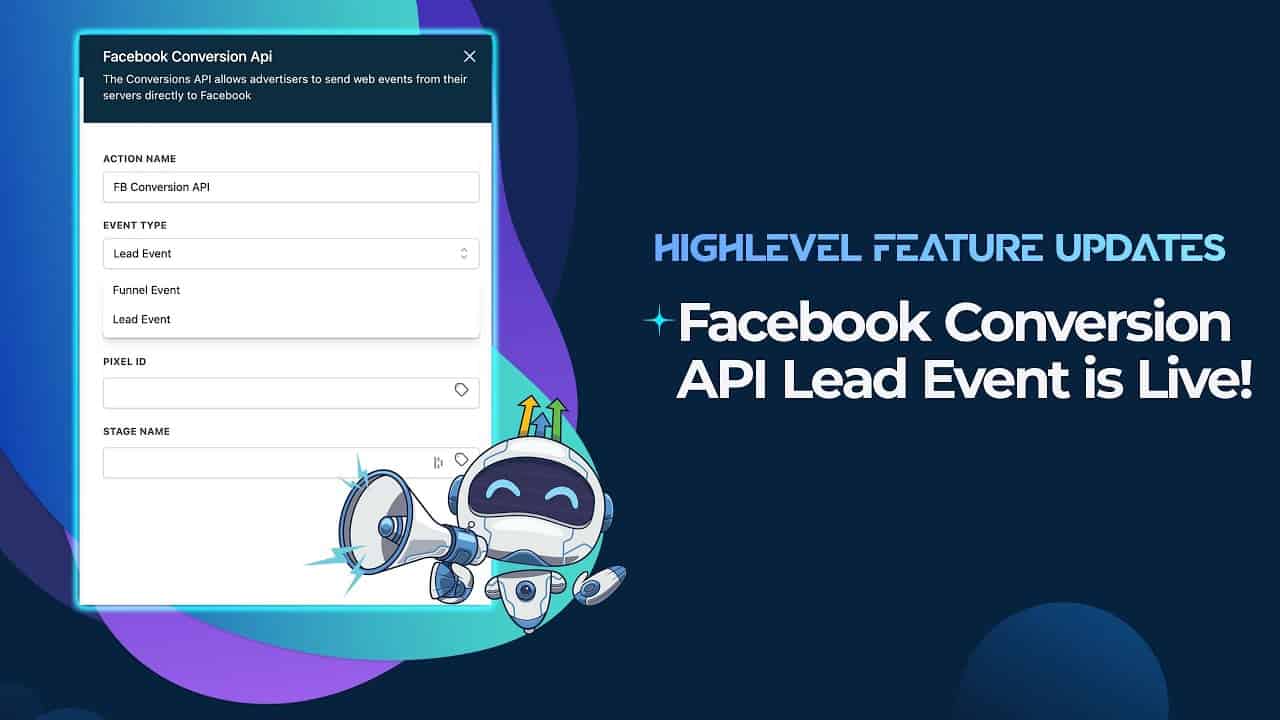
Click on the image above to watch the full video.
Why the Conversion API Matters
After Apple's iOS 14.5 update removed automatic pixel tracking, Facebook's ad performance suffered. The Conversion API (CAPI) solves this by:
- Server-side tracking — Sends events from your server, not the browser
- Bypasses ad blockers — Works even when pixels are blocked
- Better attribution — More accurate conversion data
- Lower costs — Better targeting means lower cost per lead
What the Lead Event Does
When someone submits a form on your HighLevel funnel or website:
- HighLevel captures the submission
- Sends a "Lead" event to Facebook via CAPI
- Facebook uses this data to optimize your ads
- Your campaigns target similar people more effectively
How to Set It Up
Step 1: Connect Facebook in HighLevel
Go to Settings → Integrations → Facebook and connect your Facebook Business account.
Our Toolbox. Every platform, plugin, and service we use and recommend, in one place. See the list →
Step 2: Select Your Pixel
Choose the Facebook Pixel you want to send events to.
Step 3: Enable Conversion API
Toggle on the Conversion API option and enter your access token.
Step 4: Configure Lead Events
Select which forms should trigger lead events back to Facebook.
Benefits for Advertisers
- Improved ROAS — Better data means better return on ad spend
- Reduced CPL — More accurate targeting lowers cost per lead
- Full funnel visibility — Track leads through your entire pipeline
- iOS-proof tracking — Works regardless of device privacy settings
See Also
- HighLevel — The platform
- Facebook Ads — Running paid social campaigns
See Also
This article blends original content, AI-assisted drafting, and human oversight. How I write.
Stay Updated
Get notified when new content is published.
No spam. Unsubscribe anytime.