What Is Cloudflare Wrangler? A Plain English Guide
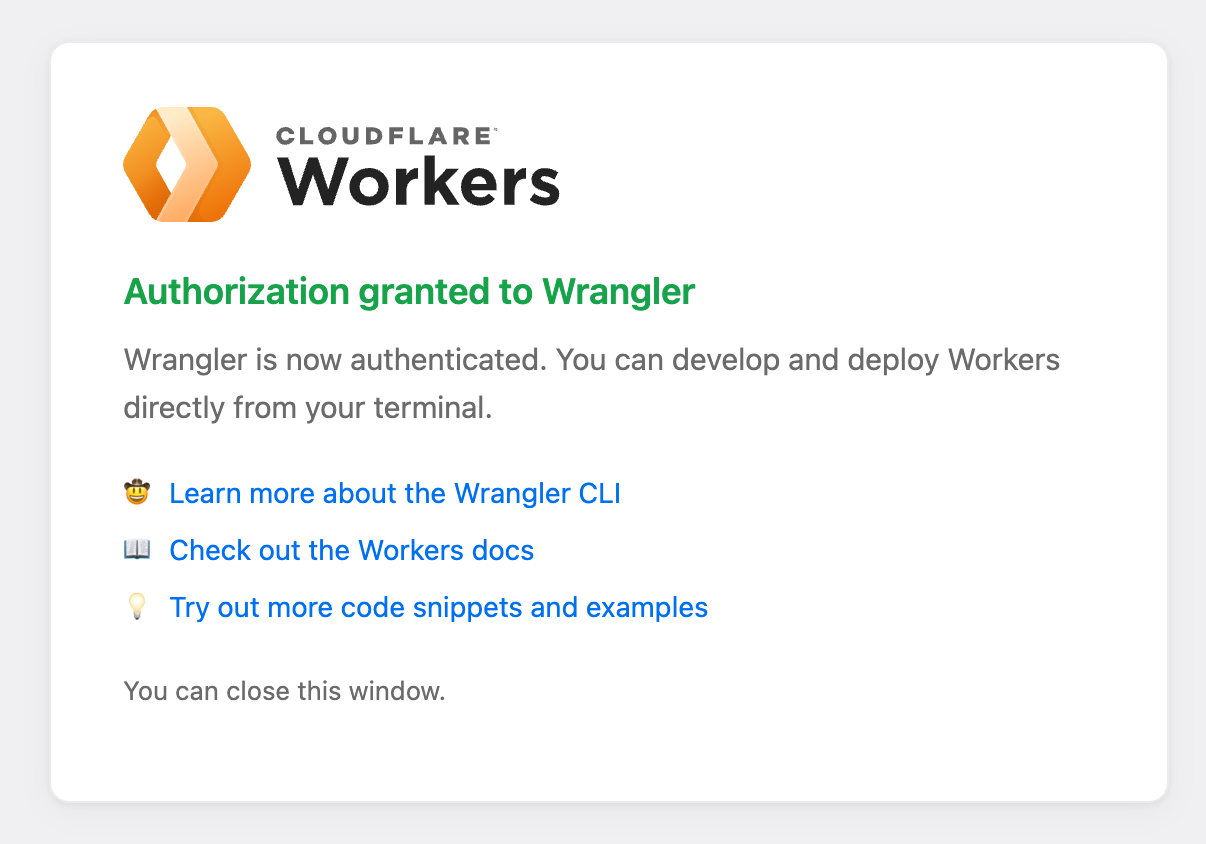
So the other day I was setting up a new project and saw this screen pop up: "Authorization granted to Wrangler." Green checkmark, a line about how Wrangler is now authenticated, and a note that you can develop and deploy Workers directly from your terminal.
If you have never touched Cloudflare's developer platform, that screen probably raises more questions than it answers. What is Wrangler? Why does it need authorization? And what does any of this have to do with the Cloudflare you know from DNS and SSL?
Let me break it down in plain English.
Wrangler is Cloudflare's command line tool for building and shipping Cloudflare Workers. That is the short version.
The slightly longer version: it is a program you install on your computer that lets you create, test, and deploy code to Cloudflare's network without ever opening the Cloudflare dashboard. You run commands in your terminal, and Wrangler does the work of packaging your code, uploading it, and wiring it up to a URL on Cloudflare's edge.
Think of it like this. If Cloudflare Workers is the engine, Wrangler is the key. You can admire the engine in the dashboard all day, but Wrangler is how you actually start it up and drive it somewhere.
What Are Cloudflare Workers?
Okay, so to understand Wrangler you need to understand Workers.
A Cloudflare Worker is a small piece of code that runs on Cloudflare's global network instead of on one server in one data center. When someone hits your URL, the code runs in whichever Cloudflare location is closest to that person. Tokyo, London, Salt Lake City, wherever. It is what is called serverless, which just means you do not have to rent or manage a server. You write the code, Cloudflare runs it.
The old way of doing this was to rent a box somewhere, install an operating system, configure a web server, open some ports, pray nothing breaks, and pay a monthly bill whether anyone visits your site or not. The new way is to write a short script, run one deploy command, and have it live in seconds on 300-plus cities around the world. You only pay when your code actually runs.
Workers are the foundation for a bunch of stuff Cloudflare has been quietly building. APIs, AI agents, edge functions in front of your website, webhook receivers, the whole developer platform I wrote about on the Cloudflare wiki node.
Why Wrangler Exists
Here is the thing. You could, in theory, copy and paste your Worker code into the Cloudflare dashboard in your browser every time you want to update it. That works for one tiny script. It falls apart the second you have a real project.
Wrangler exists so you can treat Workers like normal software development:
- Write code locally in your favorite editor
- Test it locally before anything goes live
- Commit to git so you have version history
- Deploy with one command when you are ready to ship
- Roll back if something breaks
Instead of clicking around a dashboard, you type wrangler deploy and your new version is live. If you have ever used a developer tool like Vercel's CLI or the GitHub command line, this is the same idea. The terminal is faster than a browser for people who ship often.
That Authorization Granted Screen
Back to the screenshot that started this whole thing. When you install Wrangler and run it for the first time, it needs permission to talk to your Cloudflare account on your behalf. Otherwise anyone who typed wrangler deploy could push code to anyone's Workers, which would be a disaster.
So Wrangler opens a browser window, sends you to Cloudflare to log in, and asks you to approve it. You click the button, Cloudflare hands Wrangler a token, and from that point forward your terminal can deploy Workers to your account. The "Authorization granted to Wrangler" page is just confirmation that the handshake worked. You close the tab and get back to your terminal.
That is all it is. No magic. Just standard OAuth, the same flow you go through when you log into an app with Google or Facebook.
Our Toolbox. Every platform, plugin, and service we use and recommend, in one place. See the list →
Ready to try it? Wrangler is free and Cloudflare's free plan for Workers gives you 100,000 requests a day. Head to the Cloudflare developers site and install it.
How I Actually Use It
I am not going to pretend I sit in a terminal writing Worker code from scratch. Most of the time I am driving Wrangler through Claude Code, which can read my project files, write the Worker code, run wrangler deploy itself, and then hand me back the URL. I just describe what I want the Worker to do in plain English.
That combination of an AI coding agent on top of Wrangler on top of Cloudflare Workers is why small projects that used to cost real money and real time now take an afternoon. I can spin up a webhook receiver, a tiny API, or a scheduled job without ever leaving the conversation.
If you are coming from Lovable or Cursor and you want your code to actually live somewhere reliable, Cloudflare Workers deployed via Wrangler is one of the cheapest and fastest places to put it. Vercel is another good option for Next.js specifically, but for simple edge functions and APIs, Workers is hard to beat.
Honest Caveats
A few things to know before you go all in.
Workers are not a full web server. They are optimized for short, stateless requests. If you need to run a long background job or keep a database connection open for minutes, Workers alone will not cut it. You combine them with Cloudflare's other pieces. KV for fast key-value storage, D1 for SQL, R2 for file storage, Queues for background work. That is a lot to learn if you are starting from zero.
Also, the local testing story has gotten better but it is not perfect. Sometimes something works on your machine and behaves a little differently on the real Cloudflare network. That is true of every platform, so it is not a reason to avoid Workers, just something to be aware of.
And one more thing. Wrangler changes fast. Cloudflare ships updates constantly, which is great, but it means tutorials from 18 months ago may reference commands that no longer work. Always check the current docs.
When Wrangler Makes Sense
Reach for Wrangler when:
- You are building an API, webhook, or small service that needs to be online all the time
- You want global low latency without managing servers
- You already use Cloudflare for DNS and want to keep the stack simple
- You are working with an AI coding agent that can drive the terminal for you
Skip Wrangler when:
- You are building a traditional WordPress site or anything that needs a database server running continuously
- You have no interest in the terminal and no AI helper to drive it for you
- Your app has heavy compute needs that do not fit the Workers model
Need help setting this up? Create a ticket today → and a specialist who knows Cloudflare Workers inside and out can get you moving.
The Bigger Picture
Wrangler is a small piece of a much bigger shift. Cloudflare has spent the last few years turning itself from the DNS and SSL company into a full developer platform. Workers, R2, D1, AI Gateway, Queues, Pages, Sandboxes. It is a serious stack, and Wrangler is the on-ramp to all of it.
If you have been sitting on the sidelines watching the vibe coding world from a distance, Wrangler is one of the tools worth knowing about. You do not have to be a career developer to use it. You just need a project, a terminal, and something like Claude Code that can help you translate an idea into working code.
That is really the whole point of this stuff. The tools keep getting friendlier, the barrier to shipping real software keeps dropping, and screens like "Authorization granted to Wrangler" are one small checkpoint on the way to hitting deploy.
See Also
- Cloudflare, the broader platform Wrangler plugs into
- Claude Code, the AI coding agent I use to drive Wrangler
- Vercel, the closest alternative for Next.js projects
- Moving an app off Lovable to self-hosted
See Also
Some links in this article are affiliate links. If you purchase through them, we may earn a commission at no extra cost to you. This helps support our content.
This article blends original content, AI-assisted drafting, and human oversight. How I write.
Stay Updated
Get notified when new content is published.
No spam. Unsubscribe anytime.